Turning vocabulary practice into a plan for today
An iOS app for learning words with spaced repetition, topic packs and an AI assistant. I designed its core flows, from onboarding and the home screen to the app icon, and the component library it was built from.
 Live on the App Store
Words stick only with regular review, but deciding what to study each day is work in itself, and many learners stop before review starts to pay off.
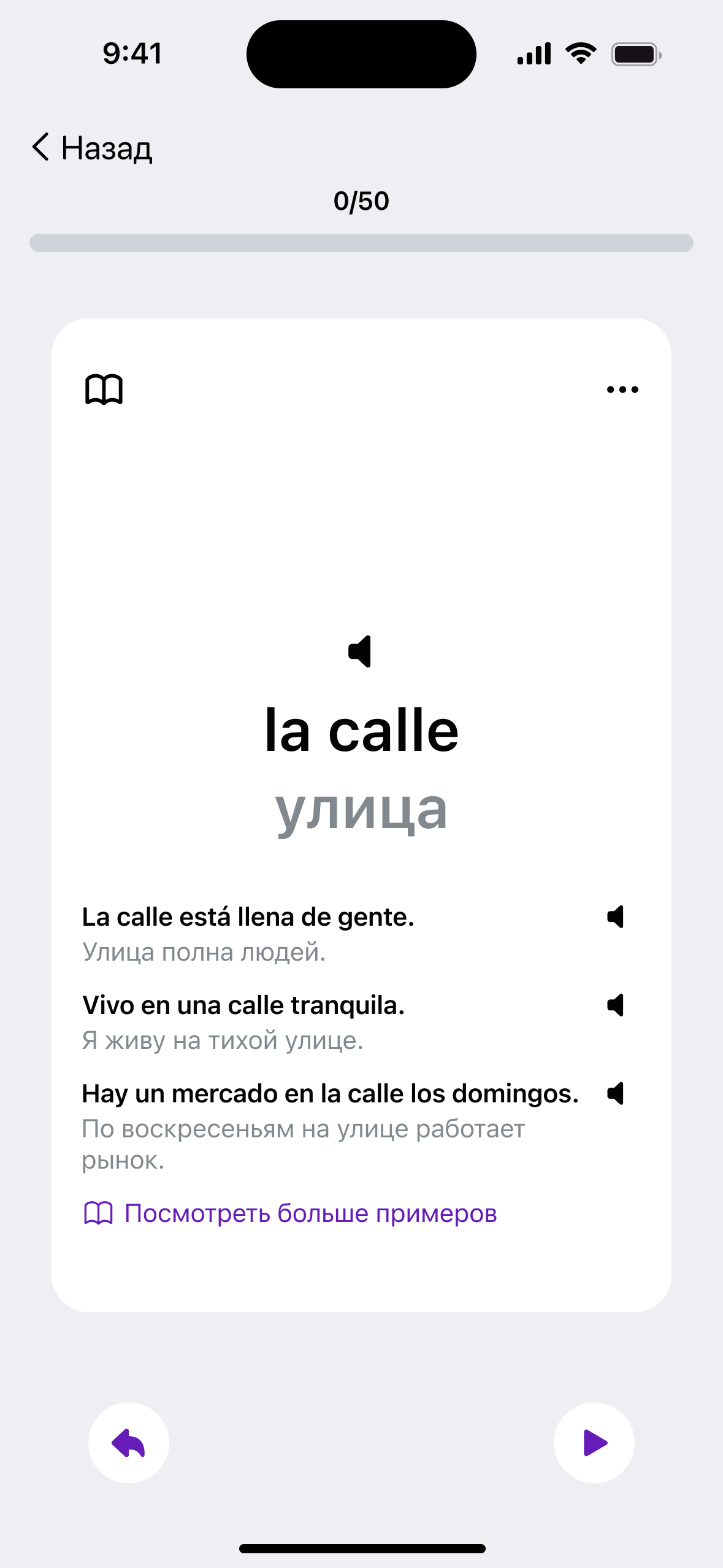
One daily loop at the centre of the product: a ready plan for today, an AI assistant that feeds it, and reasons to come back tomorrow.
Published on the App Store, built from a component library I prepared for development.
A daily loop built around a plan for today
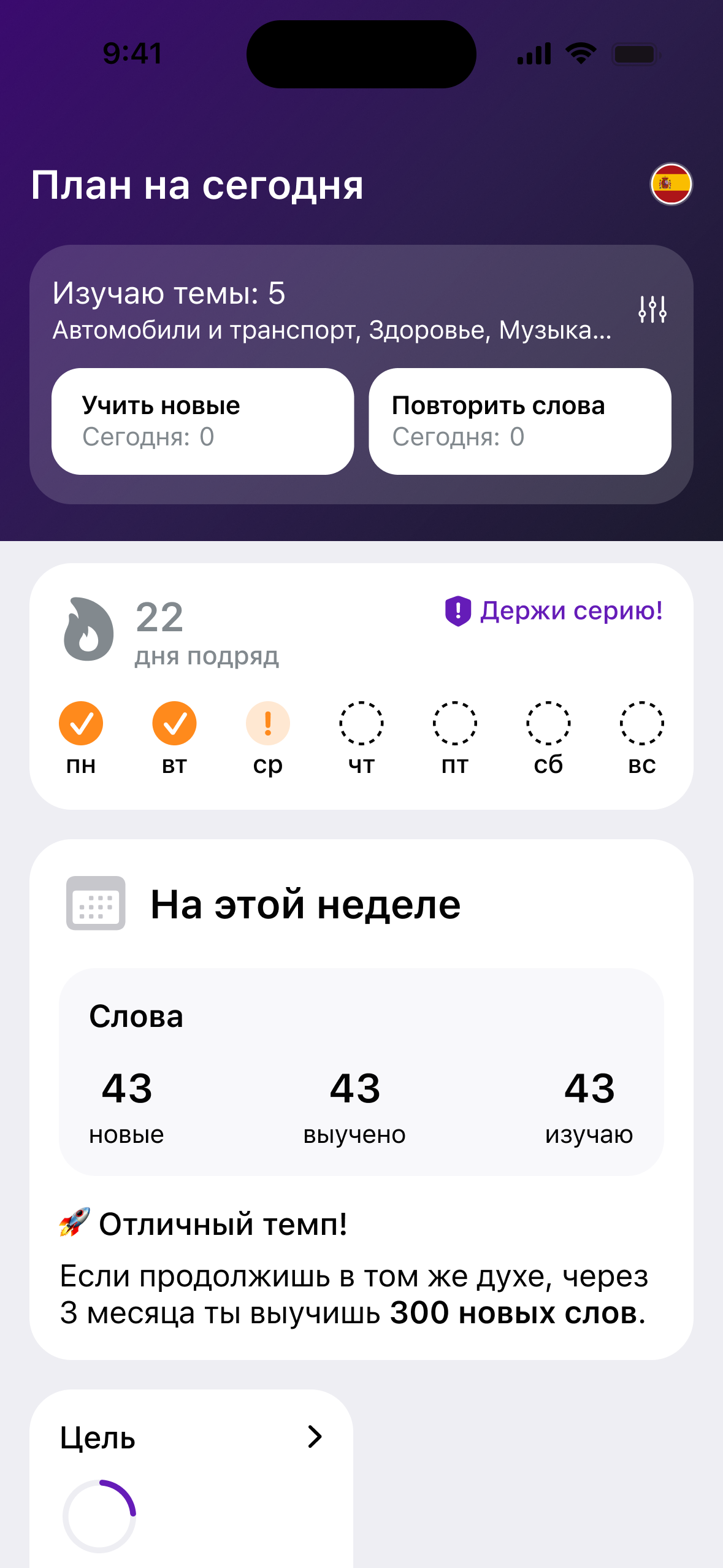
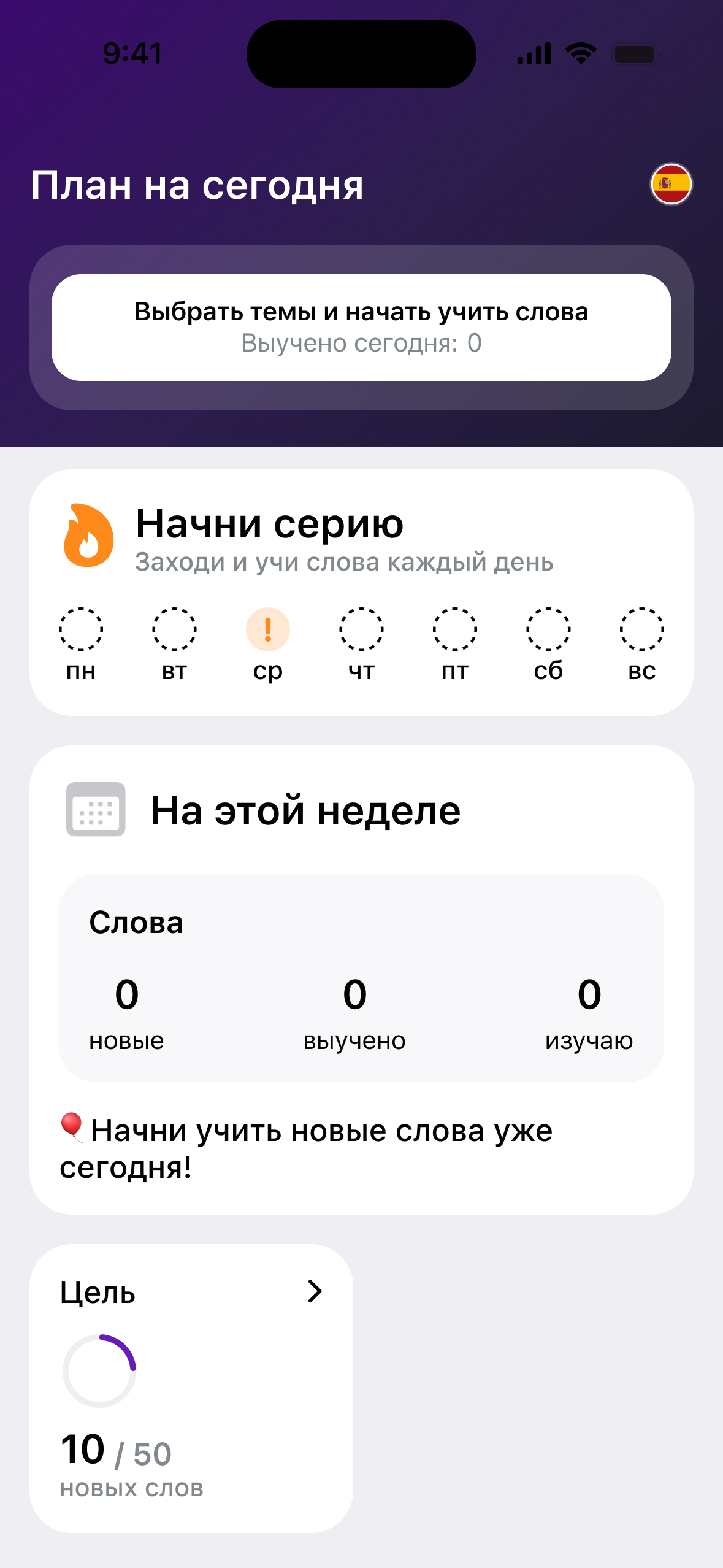
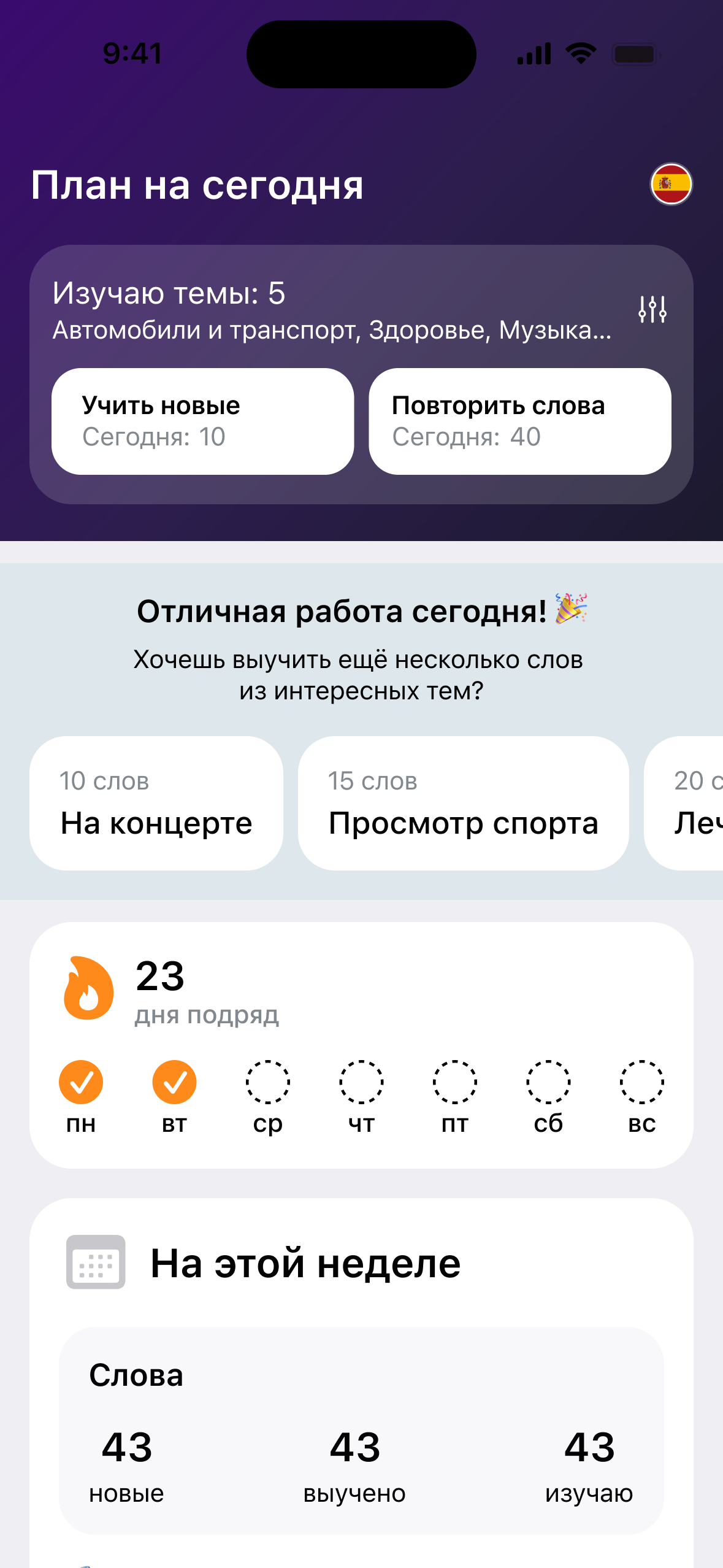
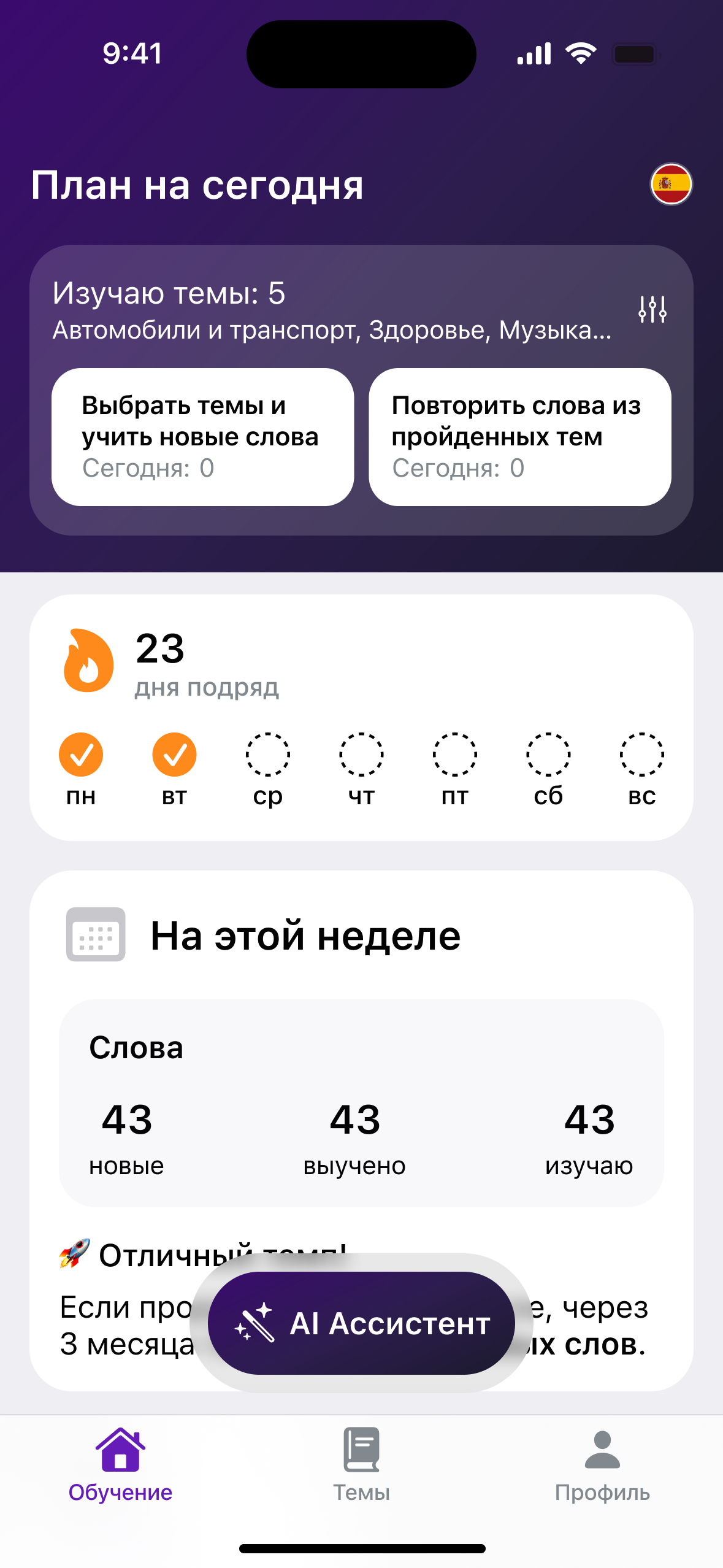
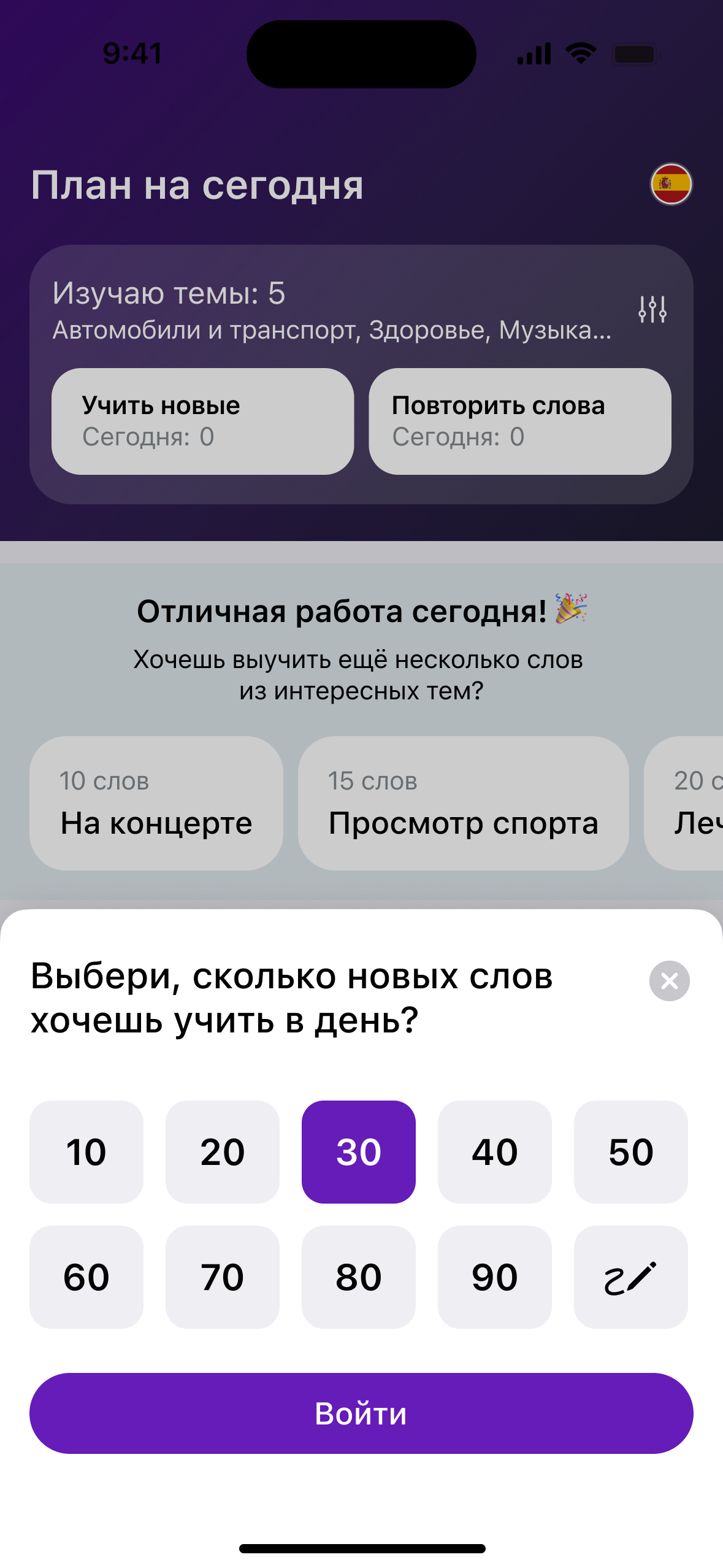
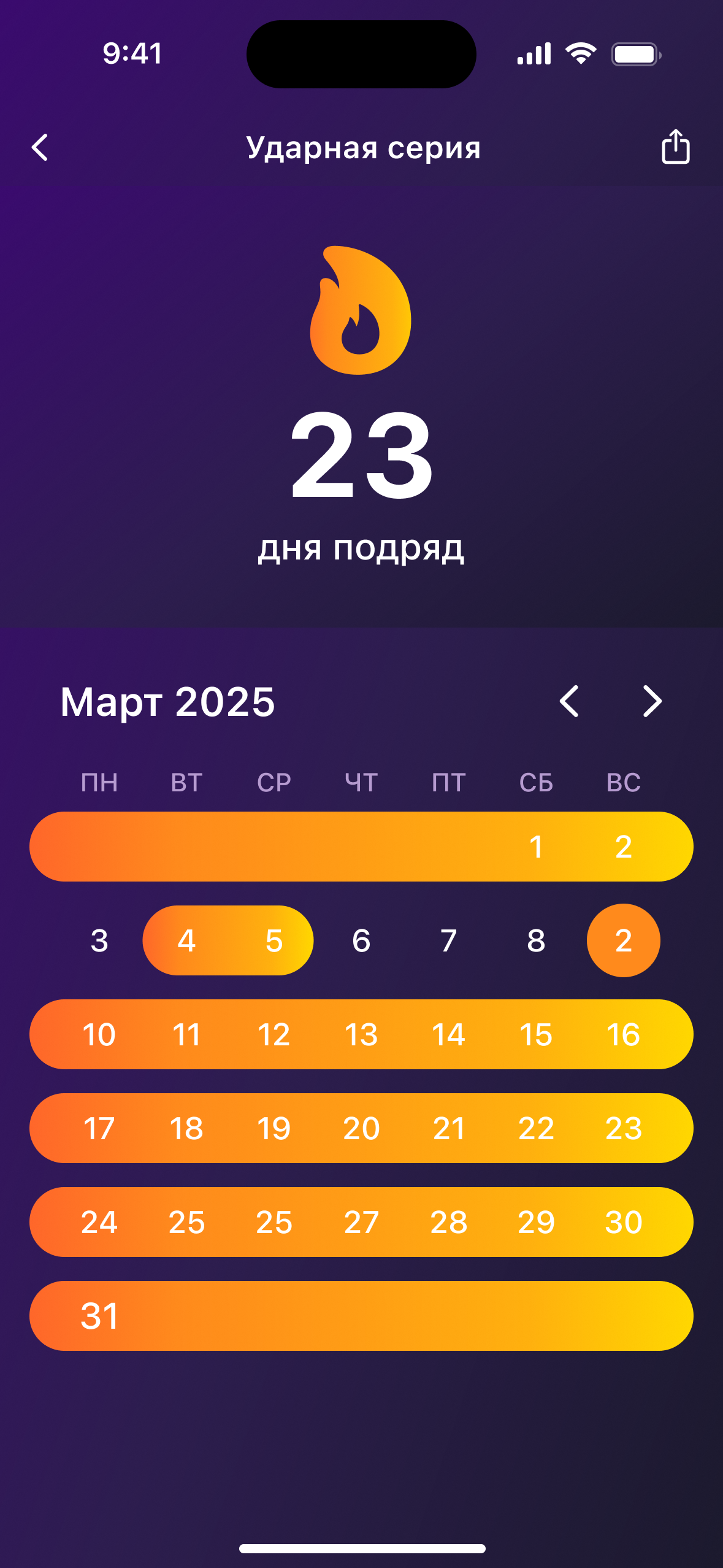
Words stick only with regular review, and learners rarely quit because it is hard. They quit because every session starts with a decision: what to study now. The home screen takes that decision away. A learner picks topics once, and every day the app turns them into a plan: new words to learn and words due for review. Around the plan sits only what keeps the habit going: the streak, the daily goal and a weekly summary.
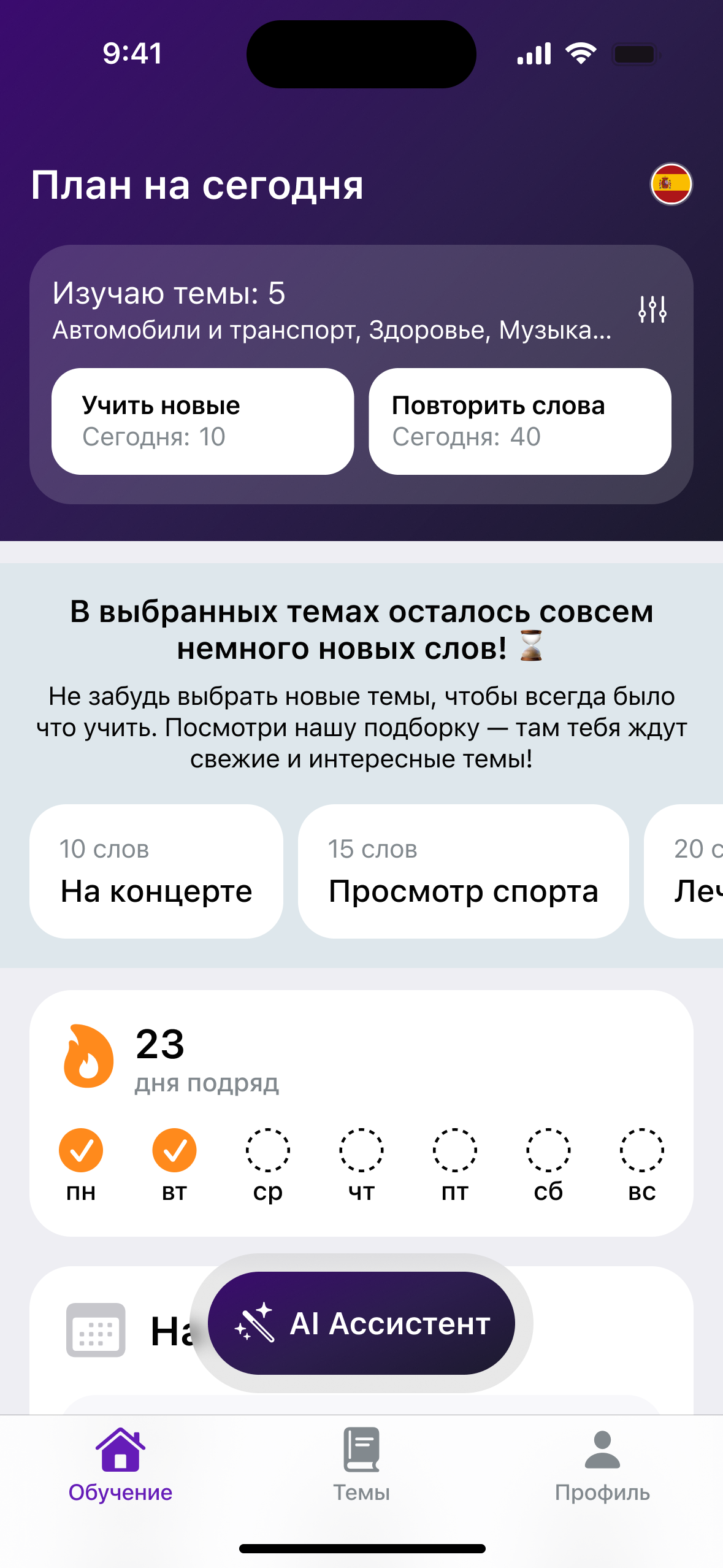
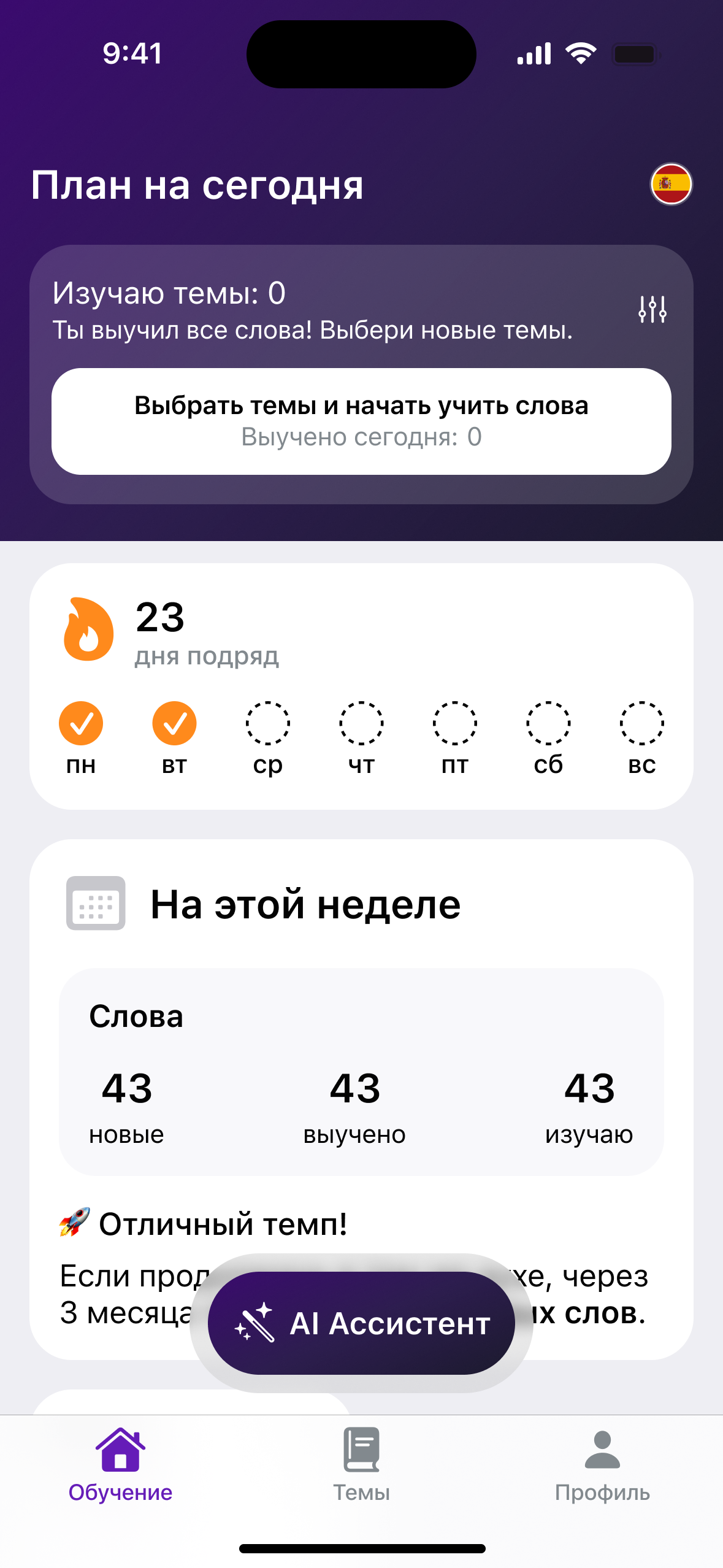
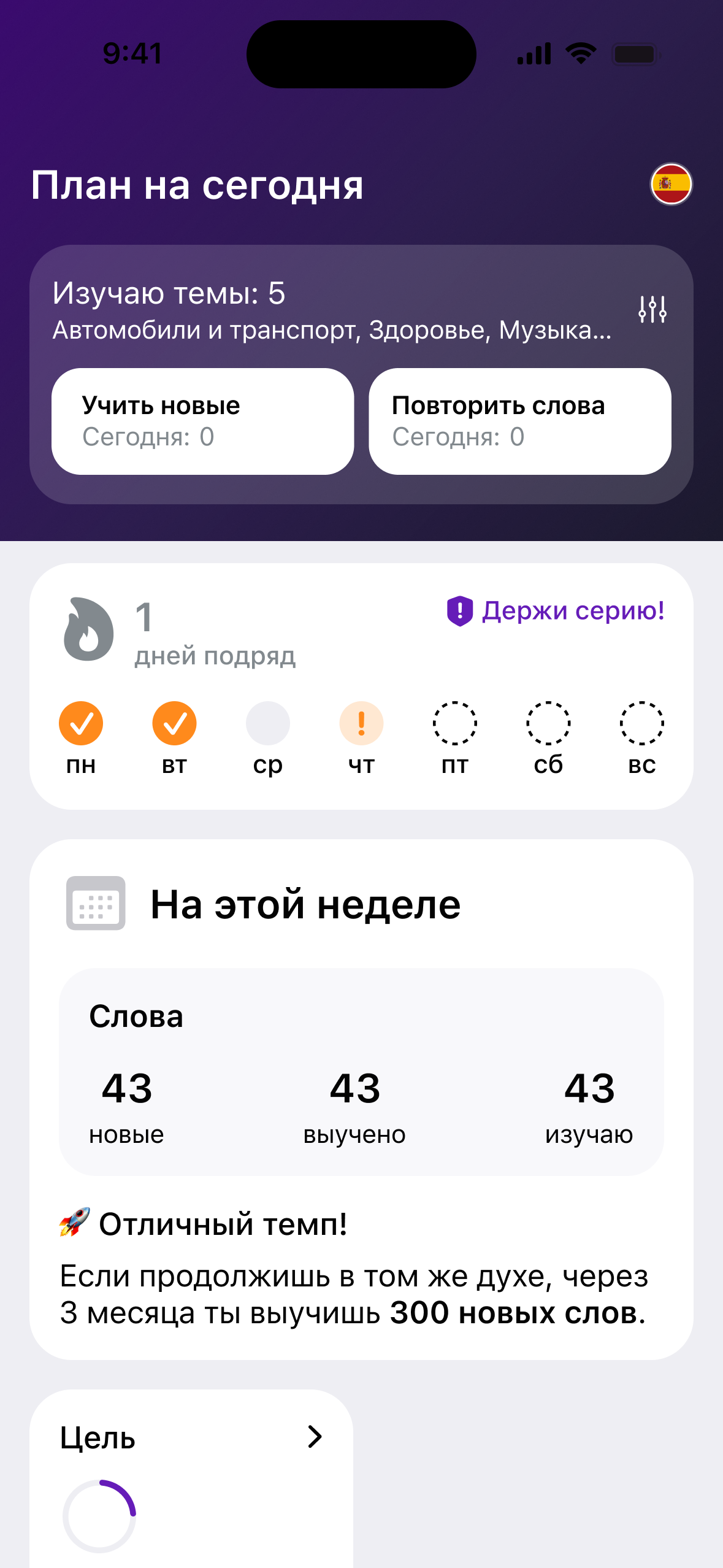
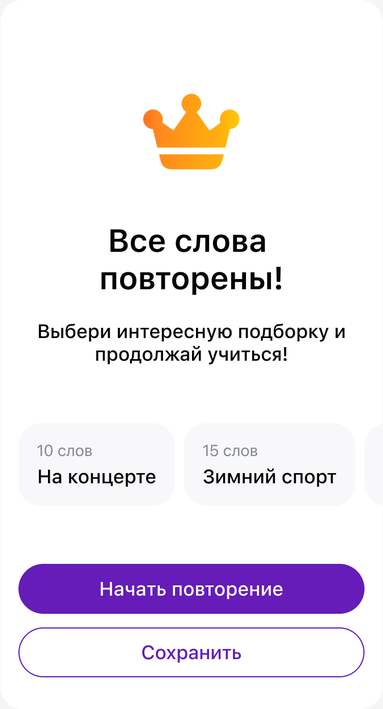
The plan has to make sense on any day. What it offers depends on three things: whether the learner has studied today, whether their topics still have new words, and whether words are due for review. Each case has its own state of the home screen, so a learner never lands on an empty screen and always sees the next step.
An assistant that ends in a lesson
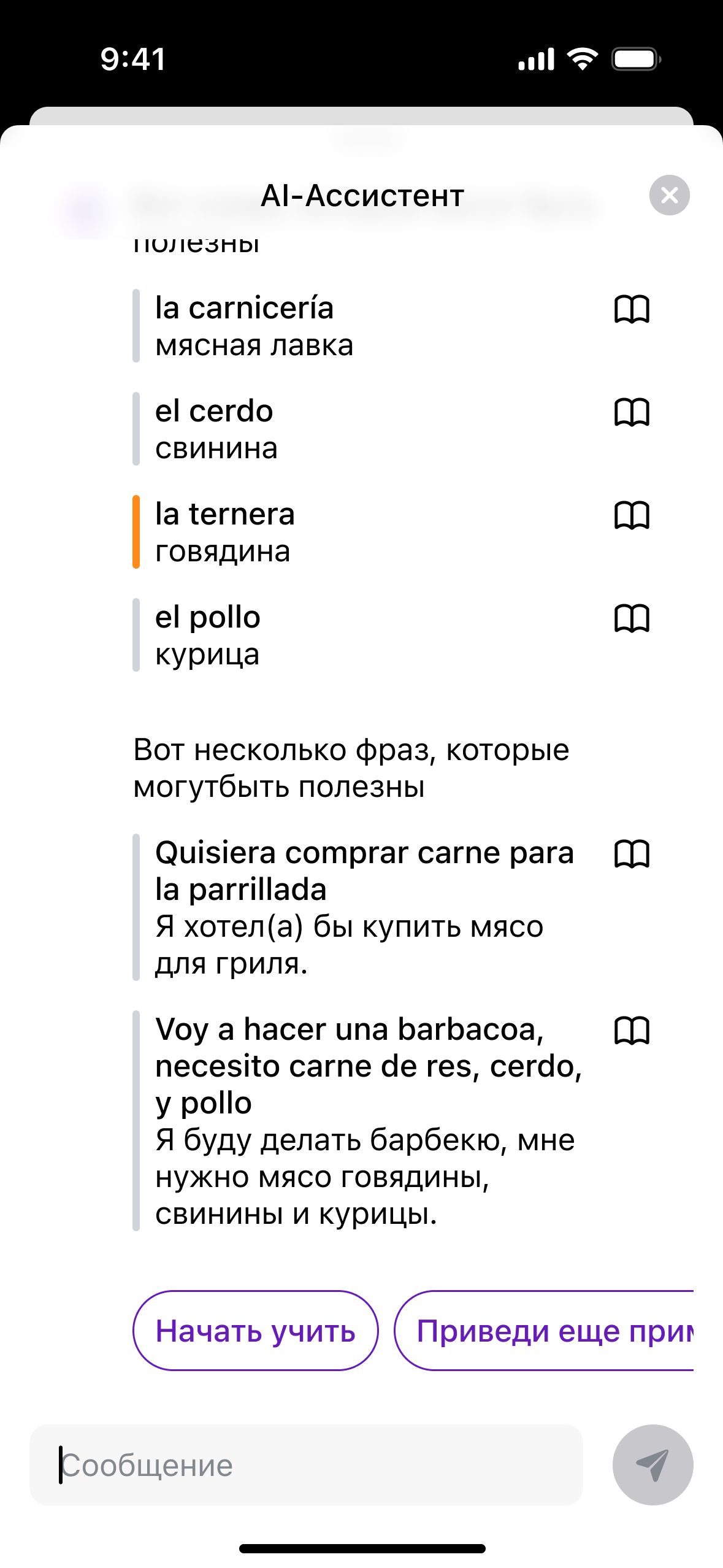
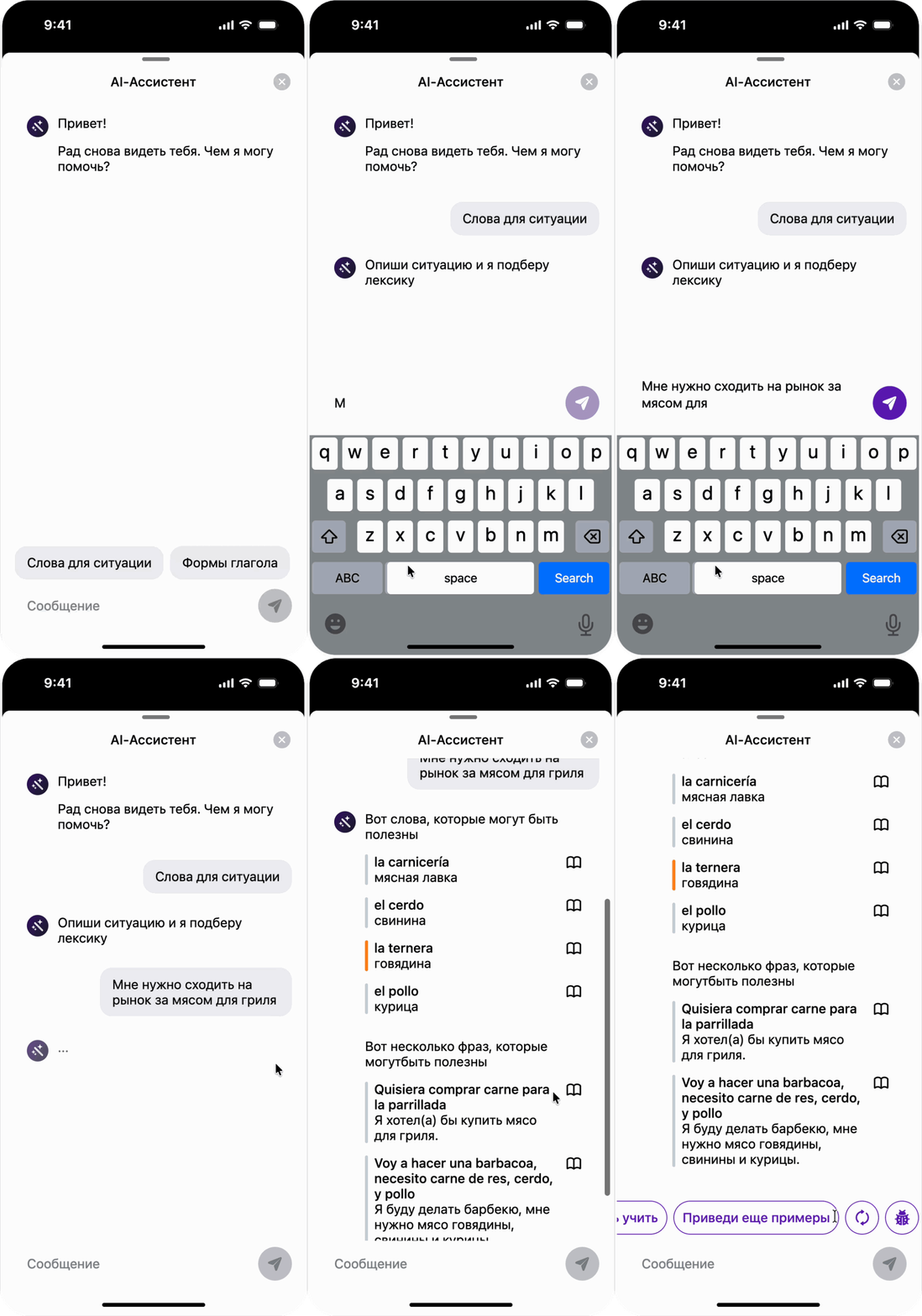
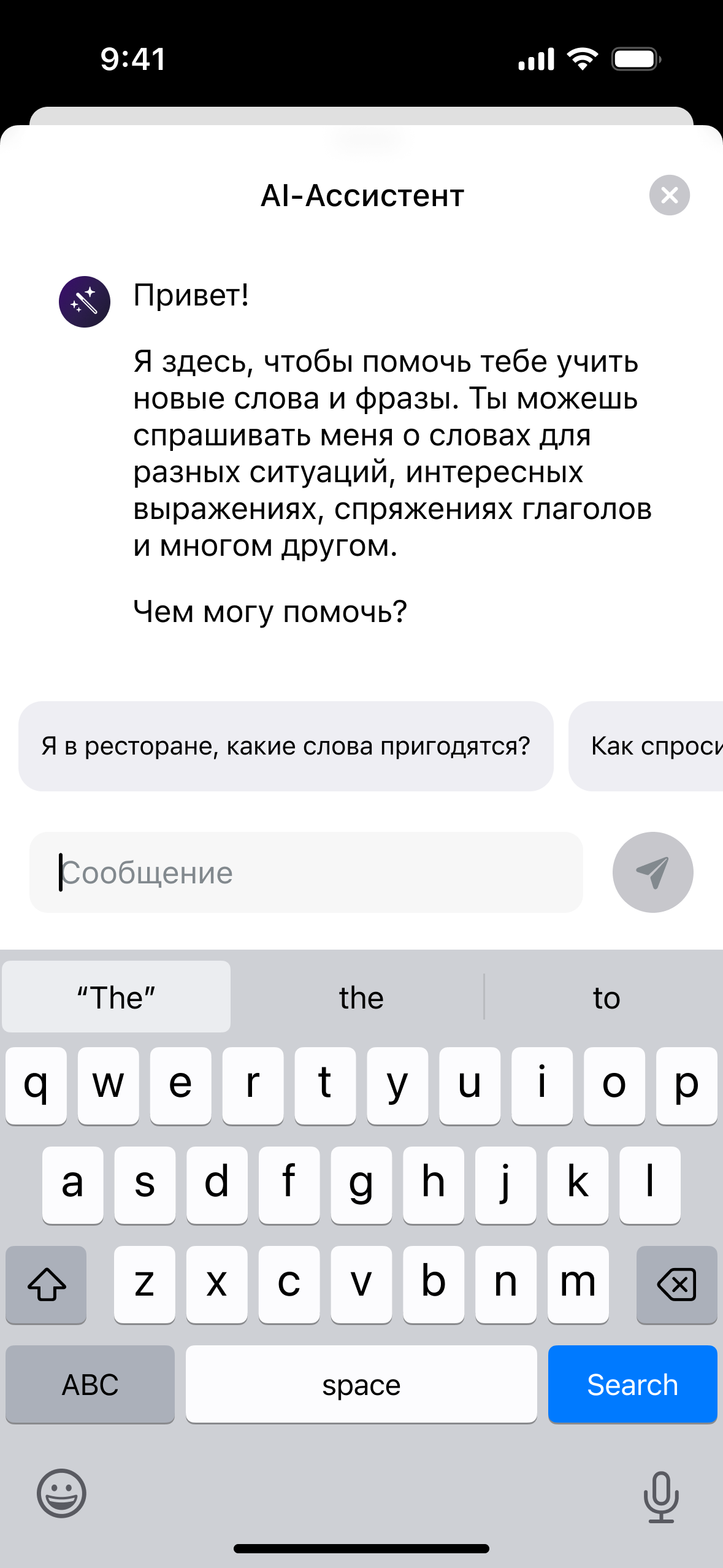
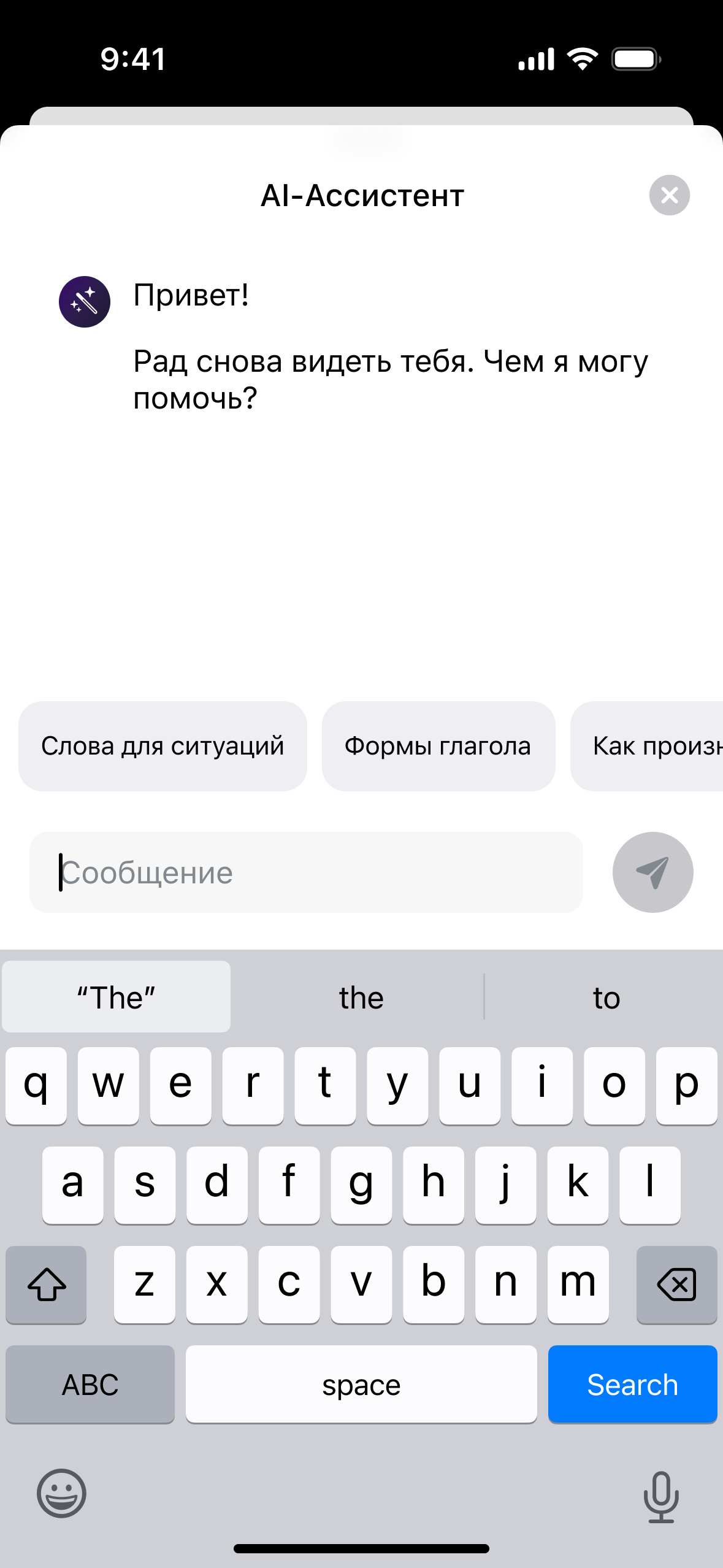
Learners often need words for a specific moment: a doctor's visit, a market, a trip abroad. A blank chat makes them work out what to ask first. The assistant opens from the home screen and from topic choice with a few ready starting points. A first-time learner sees what it can do through prompts such as “I'm at a restaurant — which words will help?”; a returning one gets a short greeting and goes straight to the question.
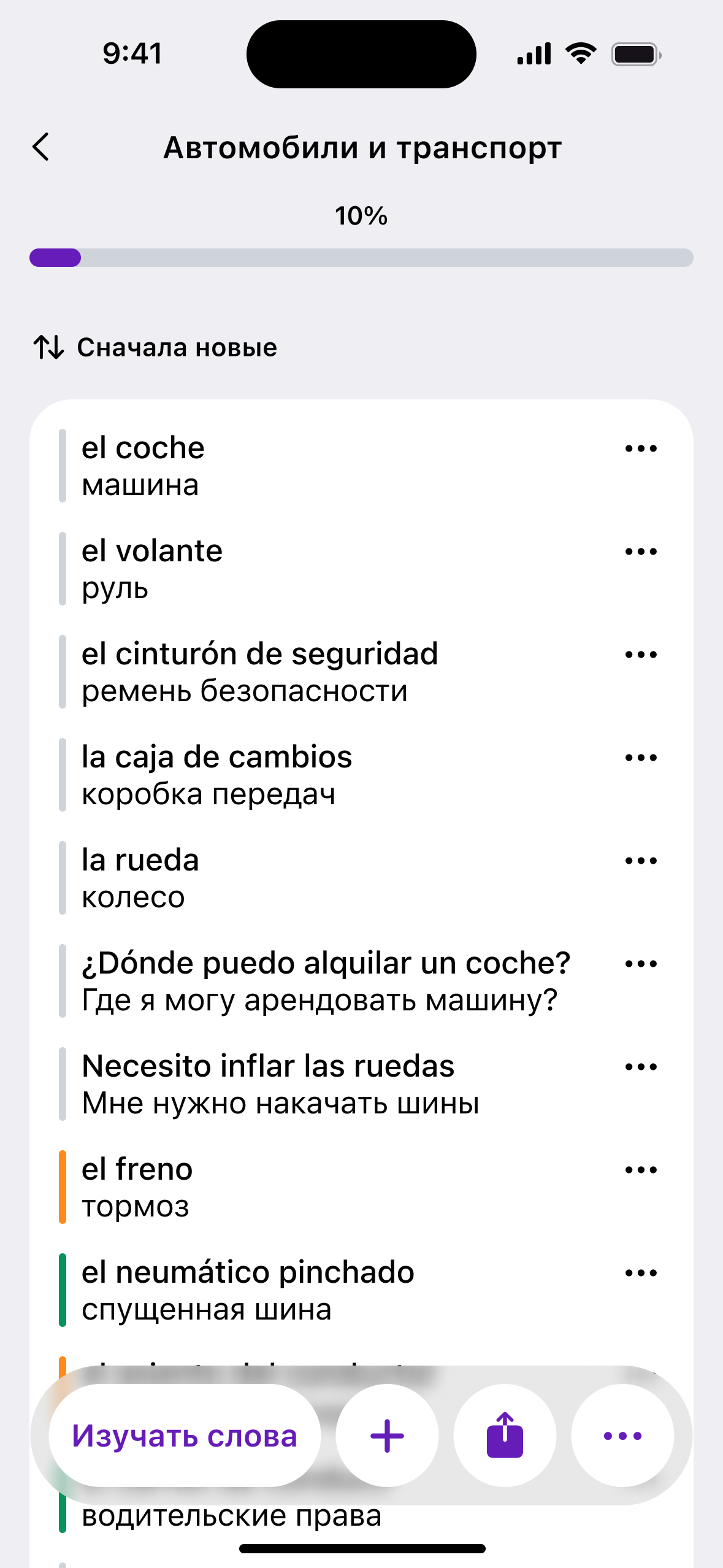
An answer is where practice starts, not where the conversation ends. Words come back in the same rows as in topics, with actions under them: start learning, more examples, try again, report a mistake. “Start learning” adds the words to a topic and opens the lesson, so a real-life question becomes today's practice in one tap.
Retention built into the loop, not added on top
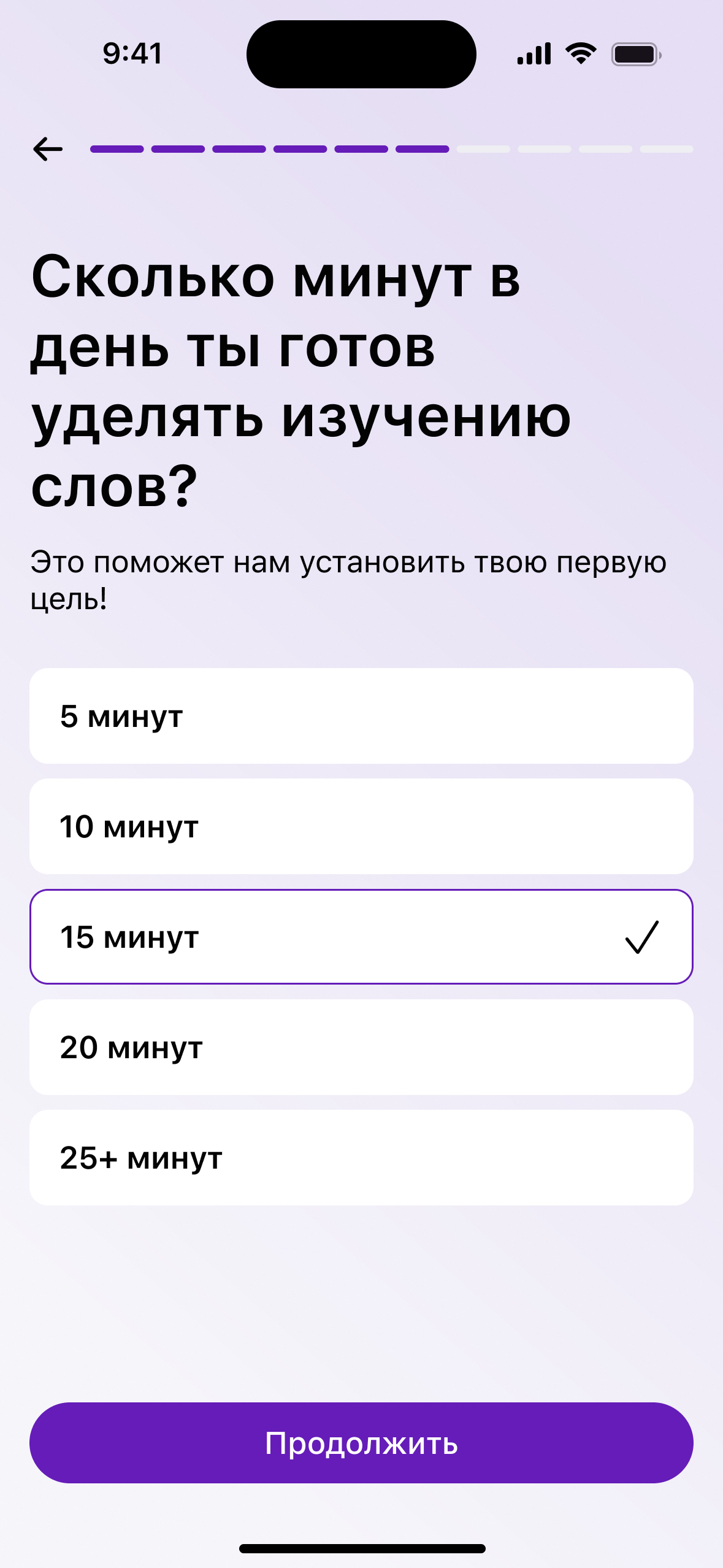
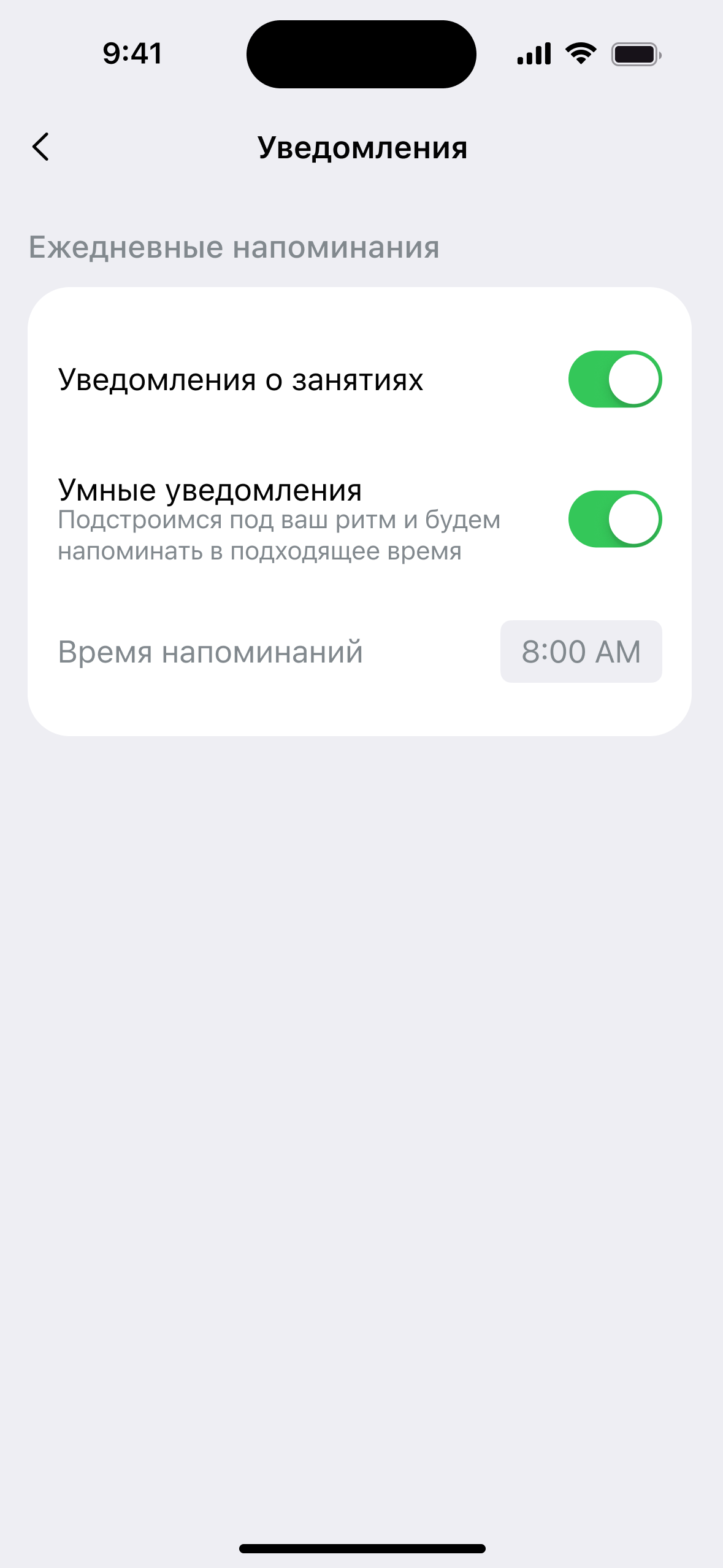
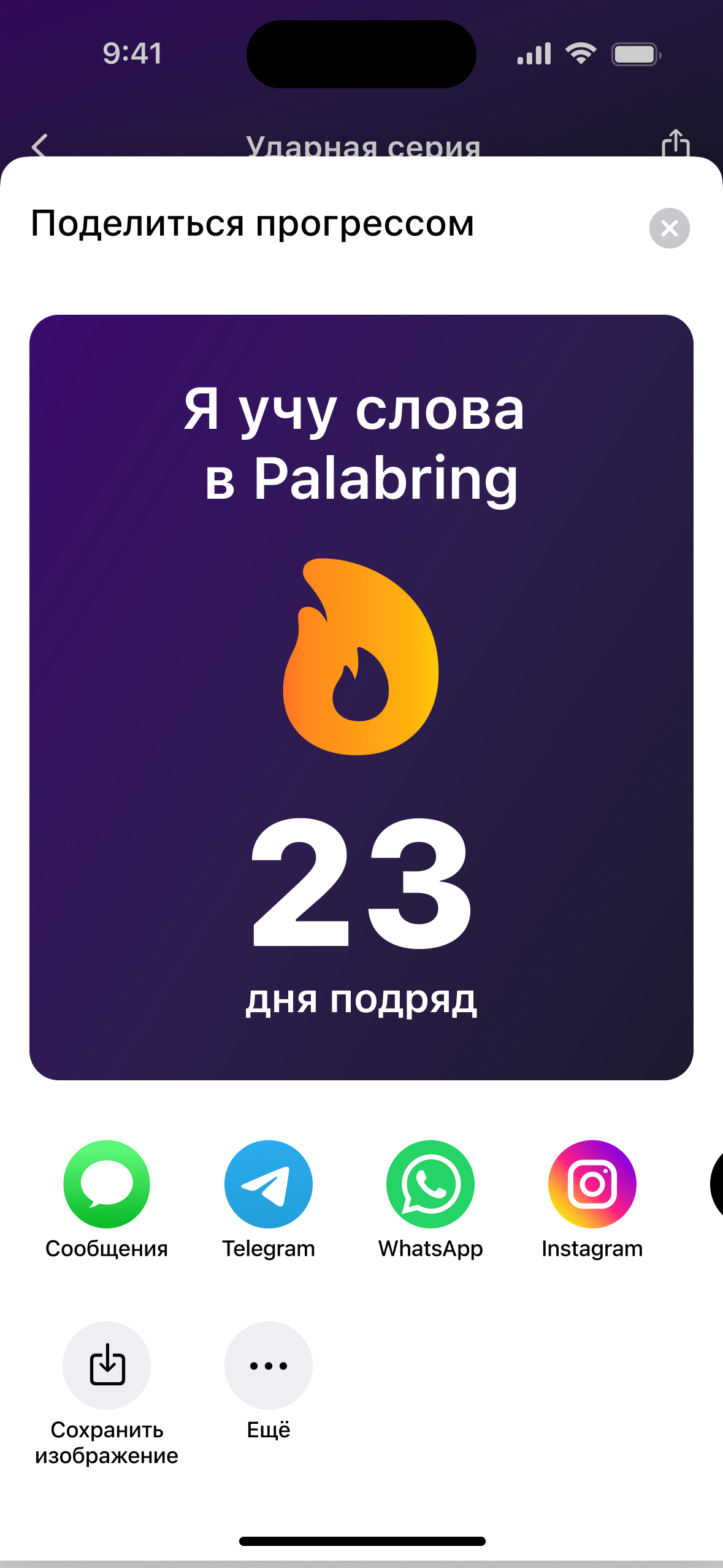
People don't come back for a streak; they come back when learning fits their day. Onboarding asks how many minutes a learner can spare, not how many words, and turns the answer into a first daily goal. Reminders are designed to follow the time a person usually opens the app rather than a fixed hour. Streaks and topics can be shared, and a shared topic opens straight in the app, ready to add.
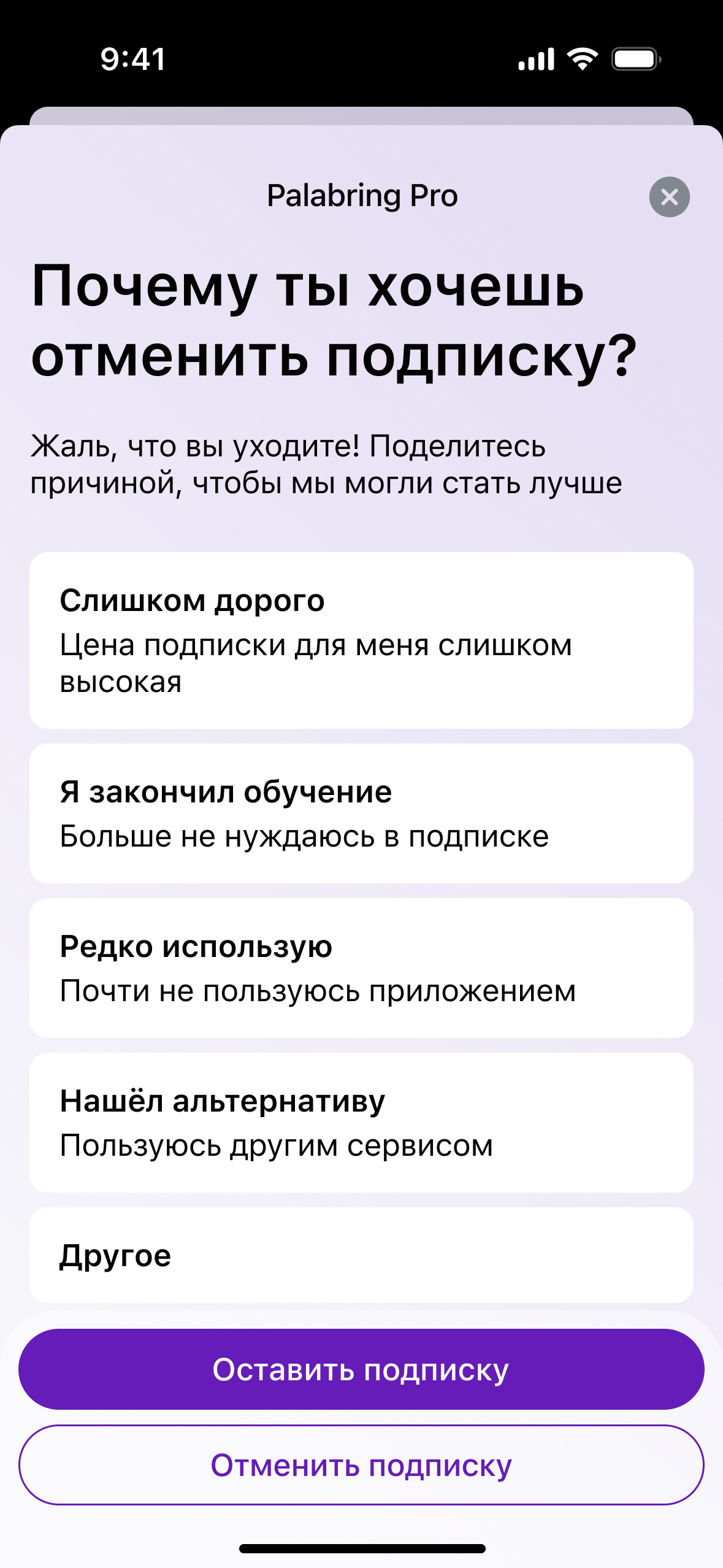
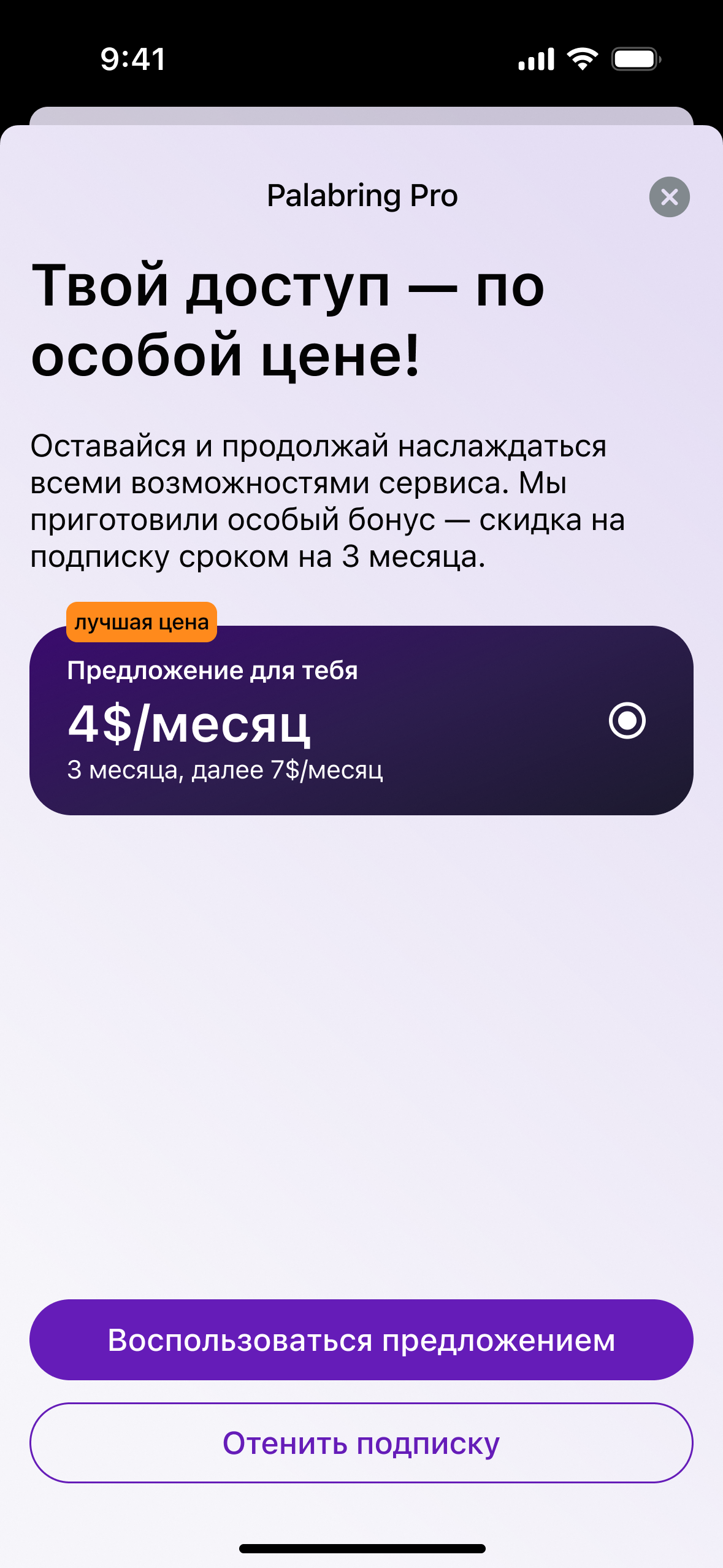
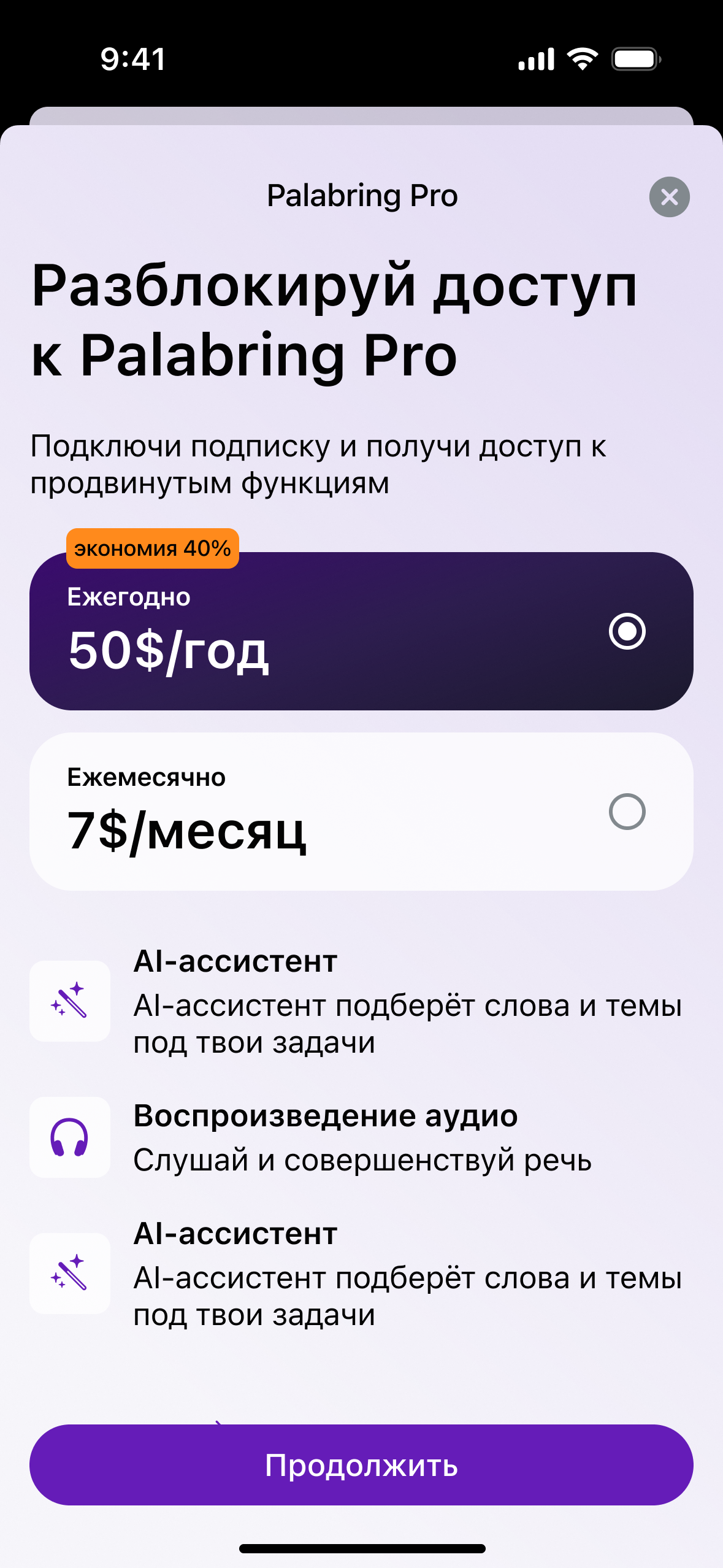
The paid plan follows the same logic. The model I proposed keeps review unlimited on the free plan and limits only new words, so the habit itself never sits behind a paywall and learners pay for growth. Cancelling takes two steps, a reason and a special offer before the plan ends, with no required comment: it slows people down, and few would write one.
One page, two layouts
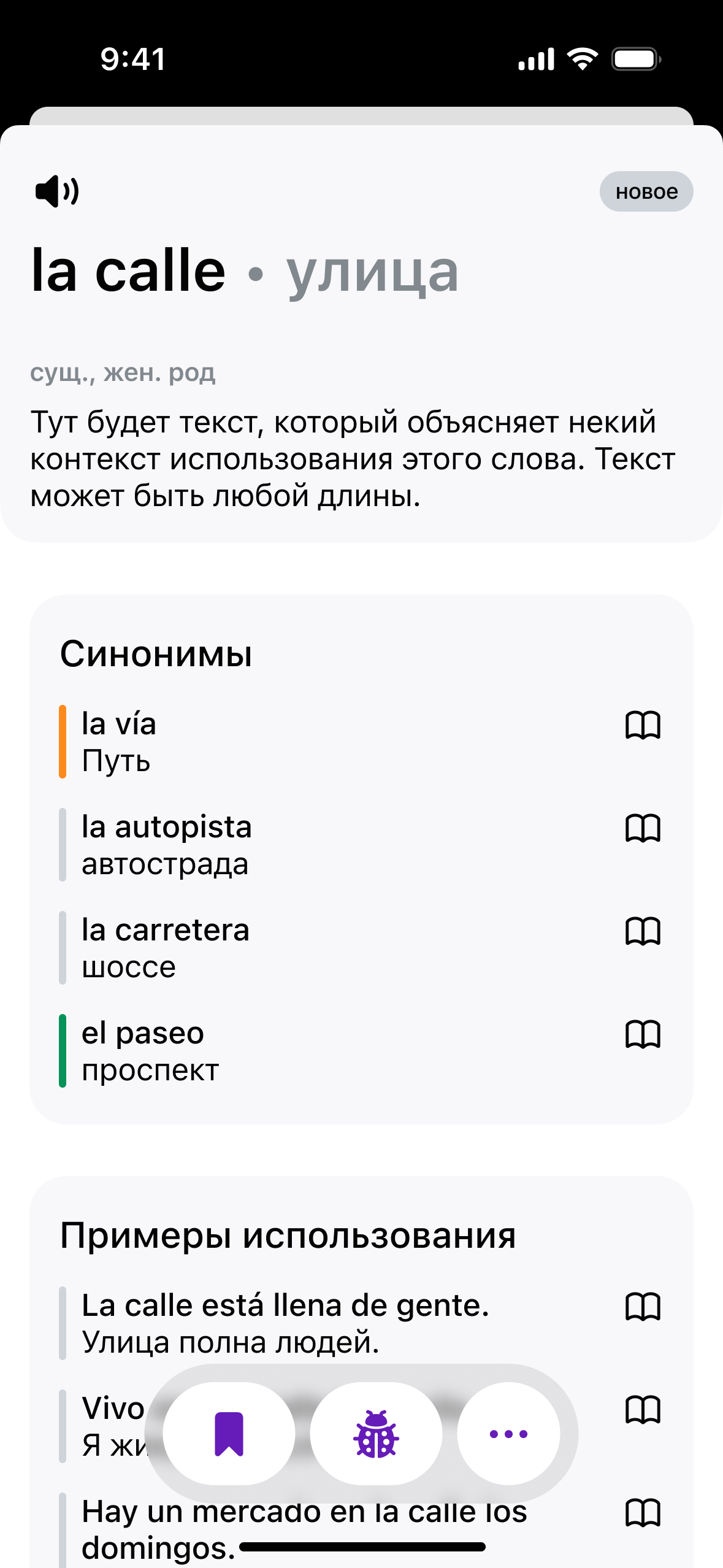
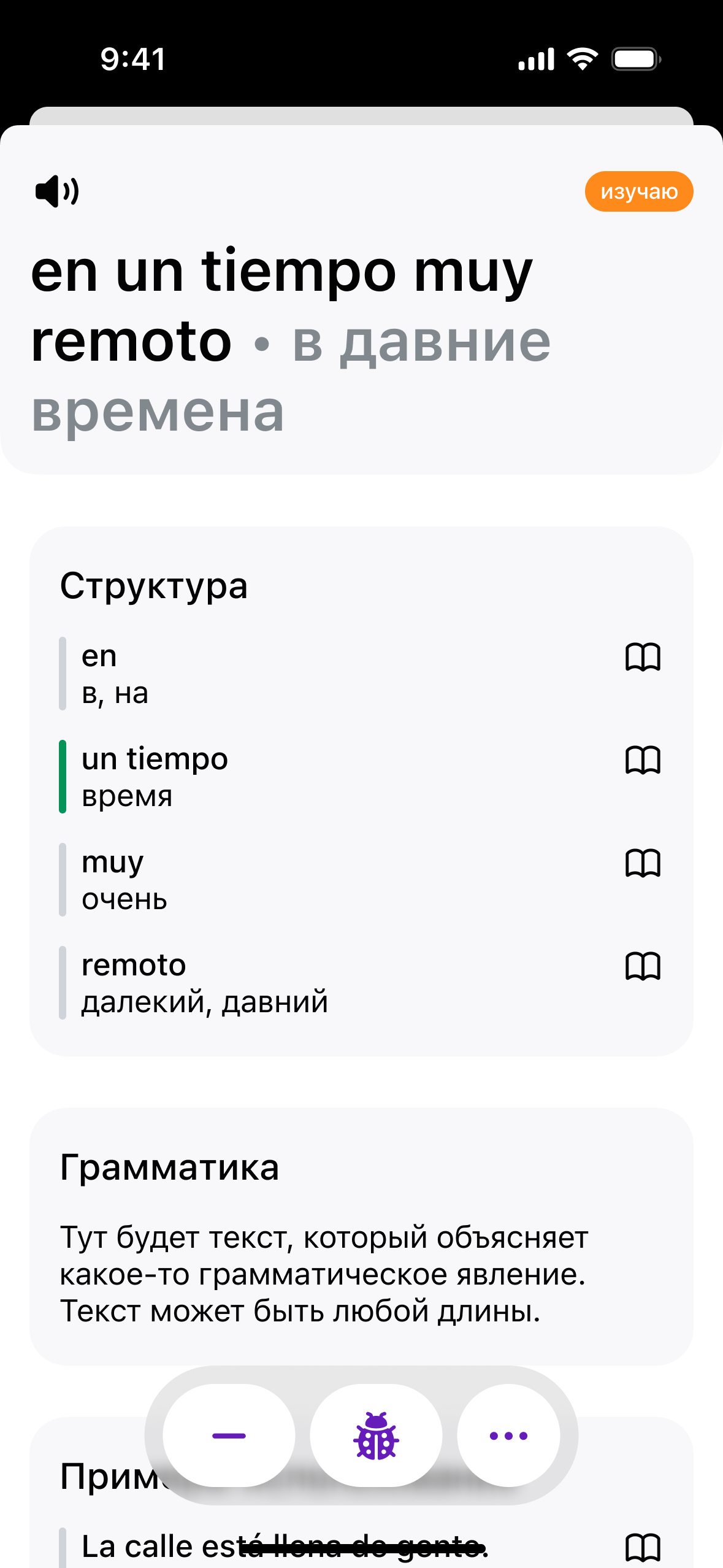
The word page changes with what is being learned. A single word gets its translation, meaning, synonyms and examples. A phrase also gets a word-by-word breakdown and a grammar note, so a learner understands it rather than memorises it.
Built around the product's real states
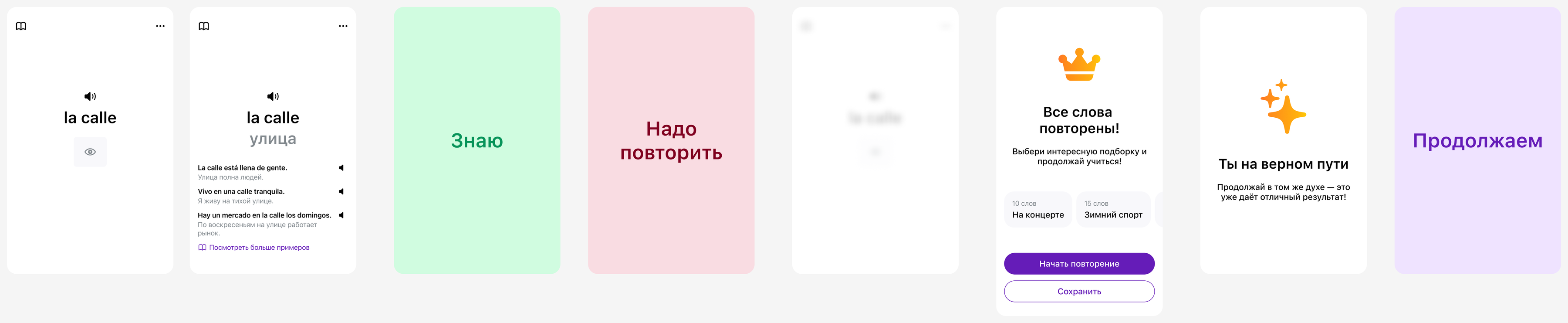
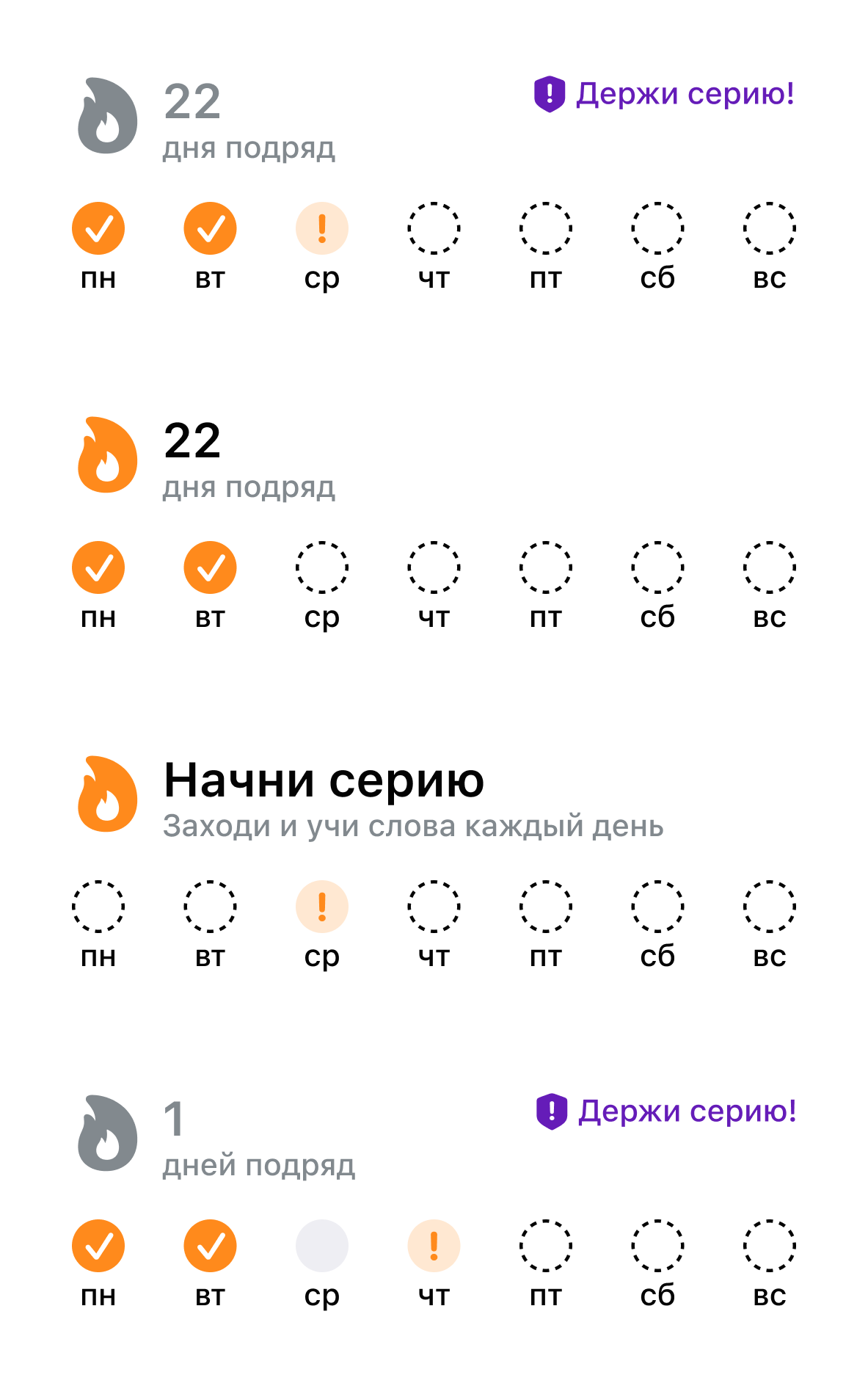
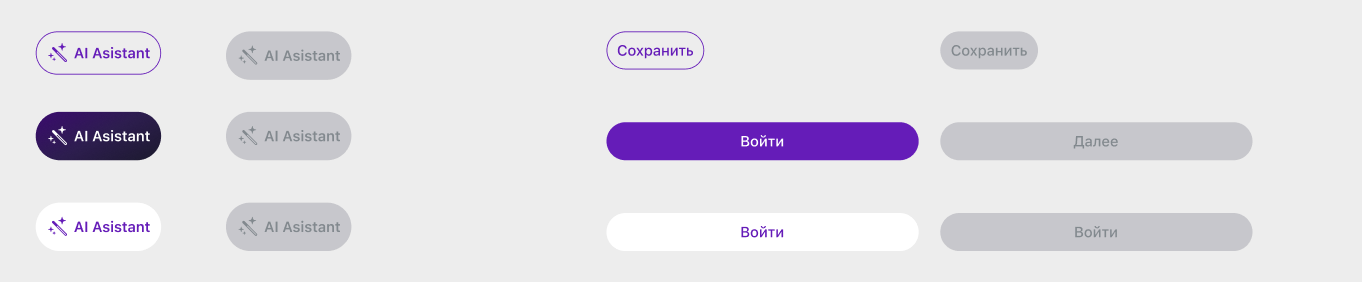
Around 60 components with shared colour and text styles, built around the product's real states: the streak card has four, the word card eight. A new screen is assembled from named variants instead of specified from scratch.




More from the app
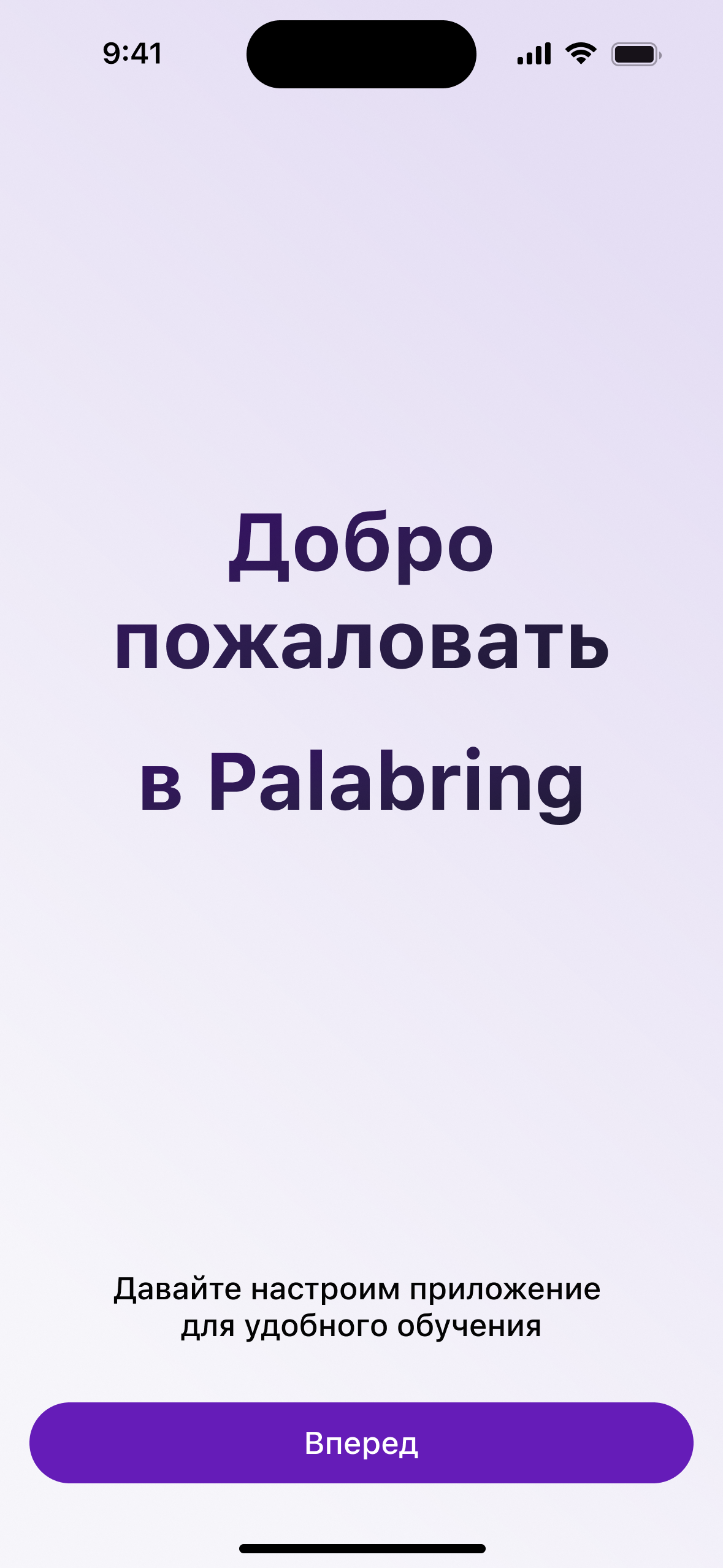
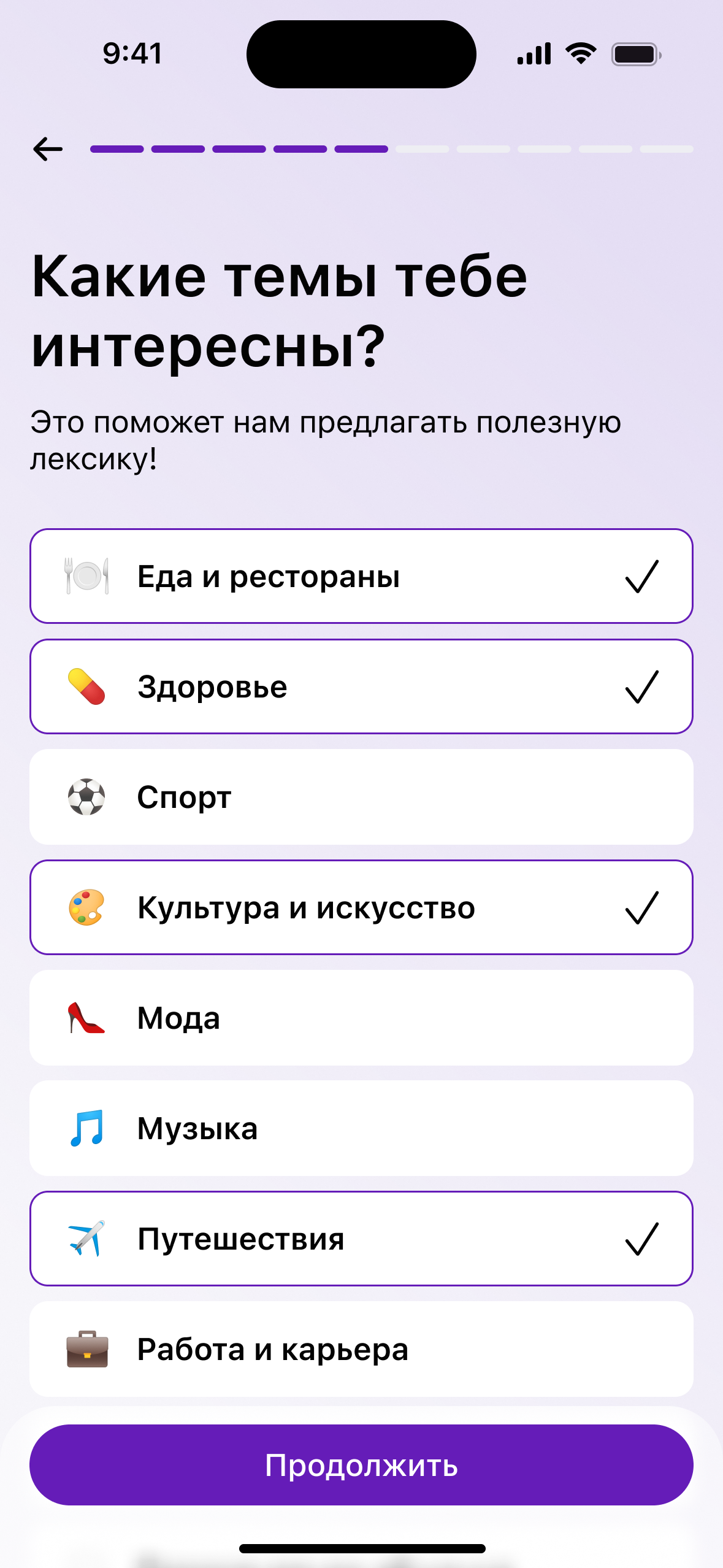
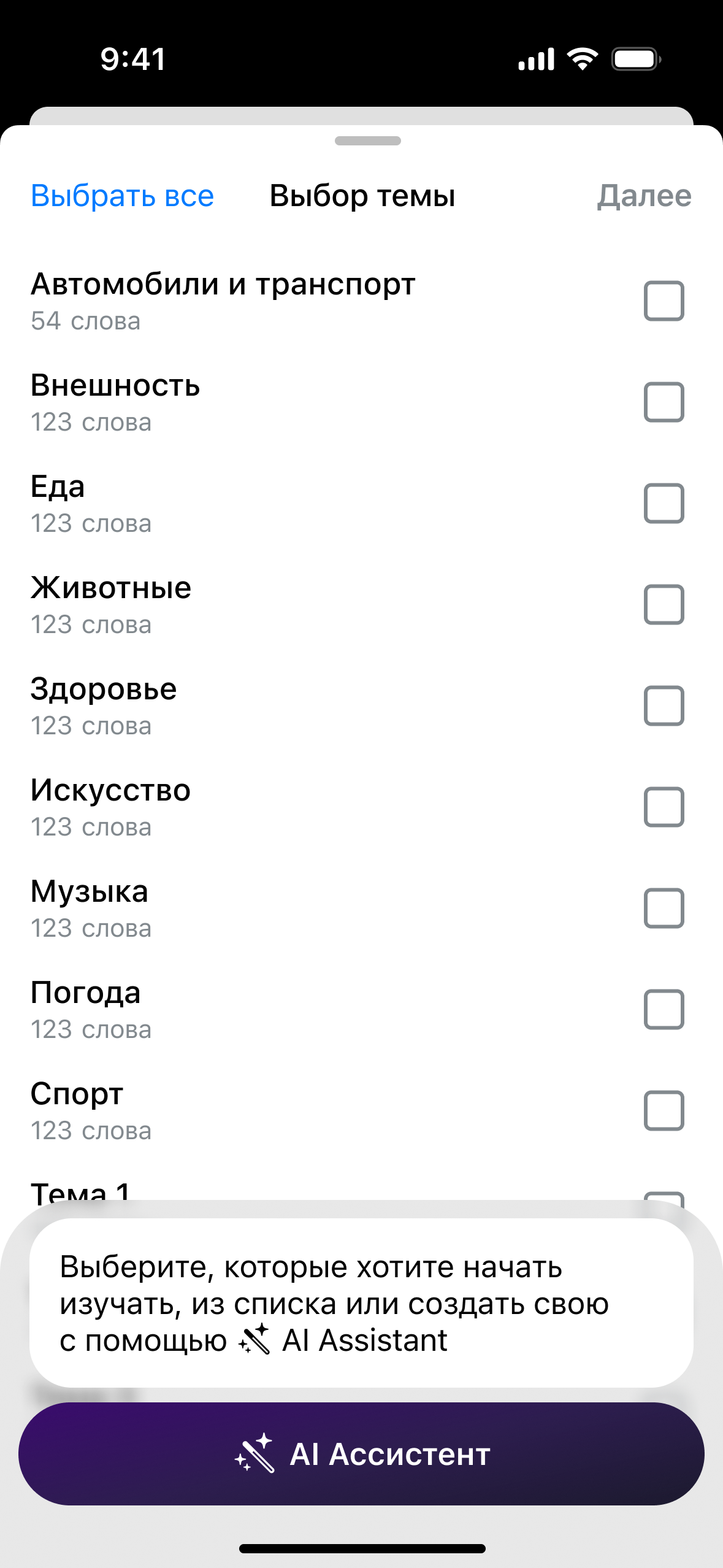
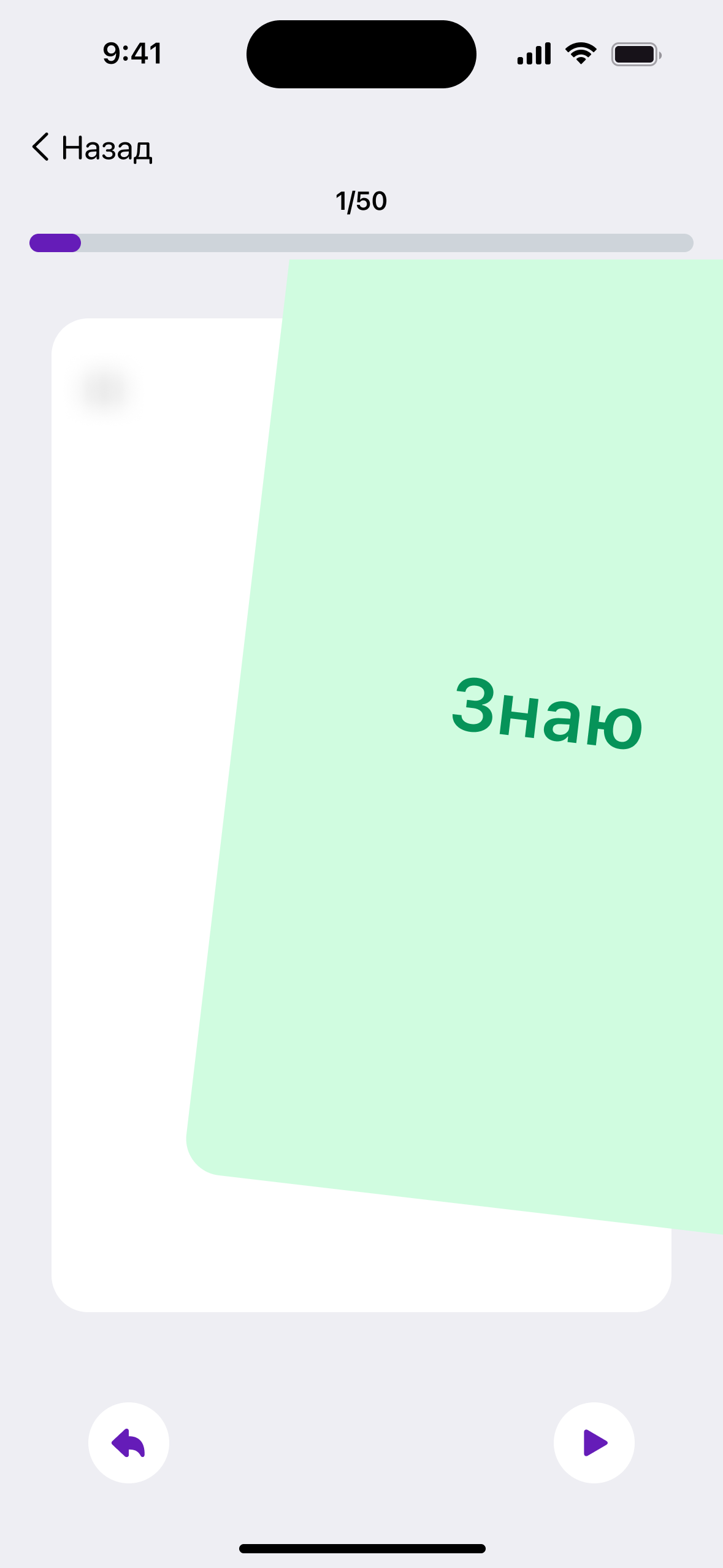
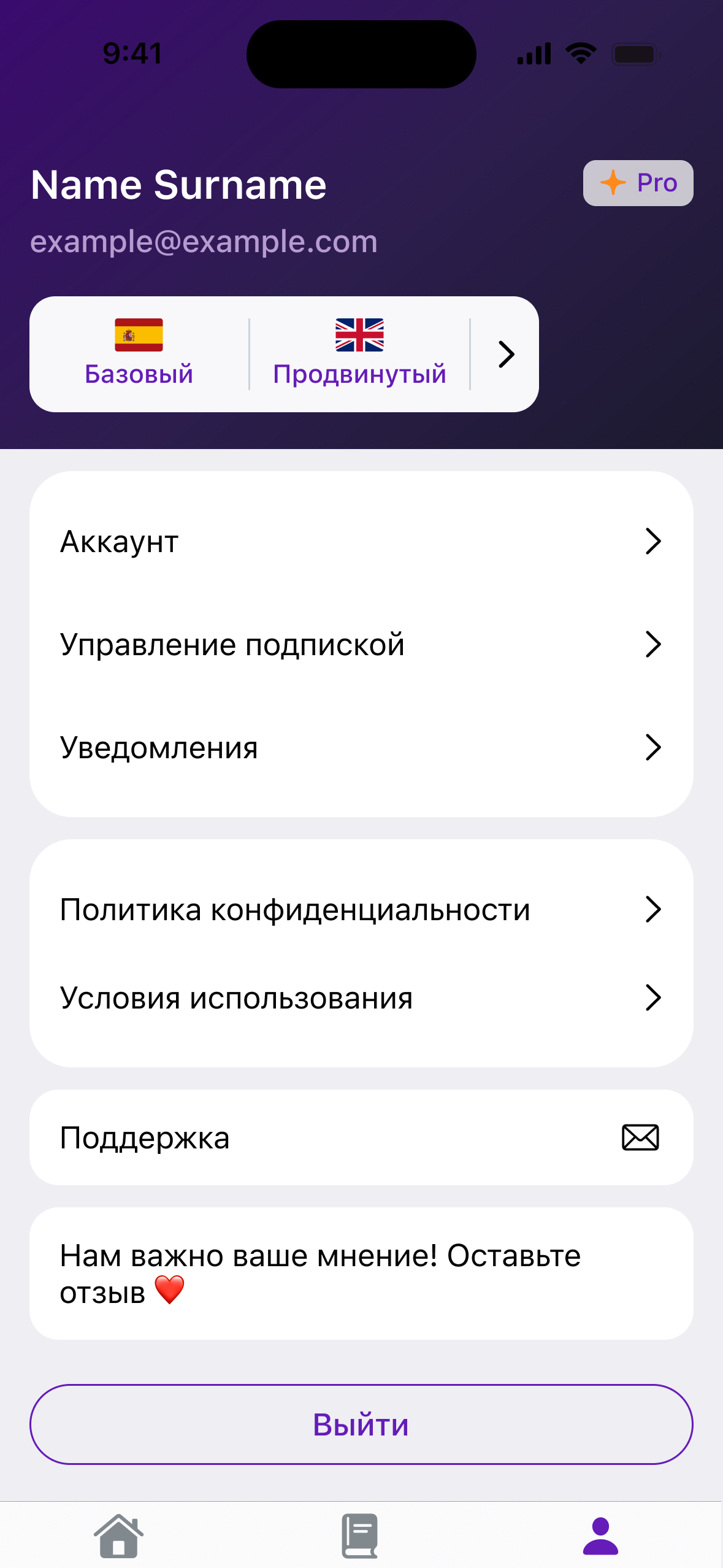
Published on the App Store.
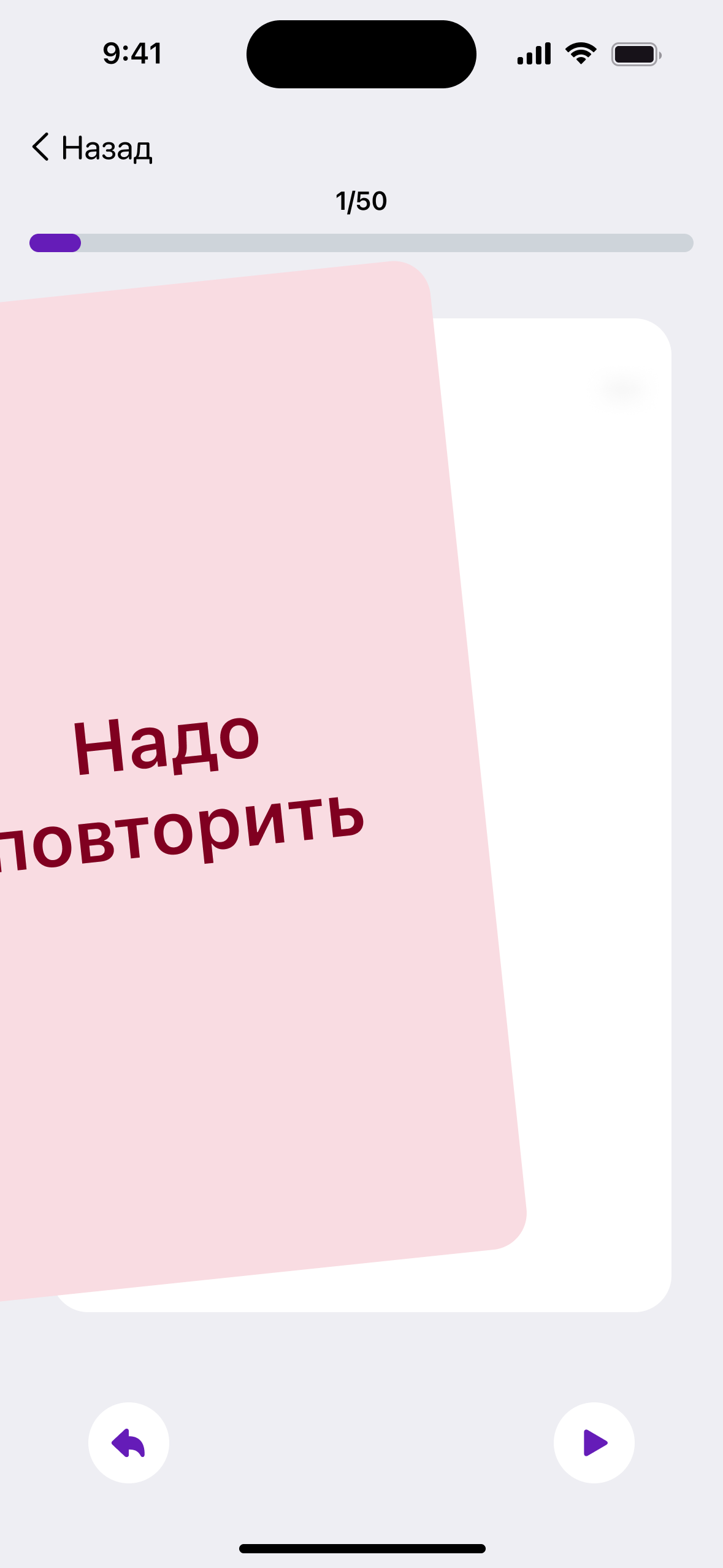
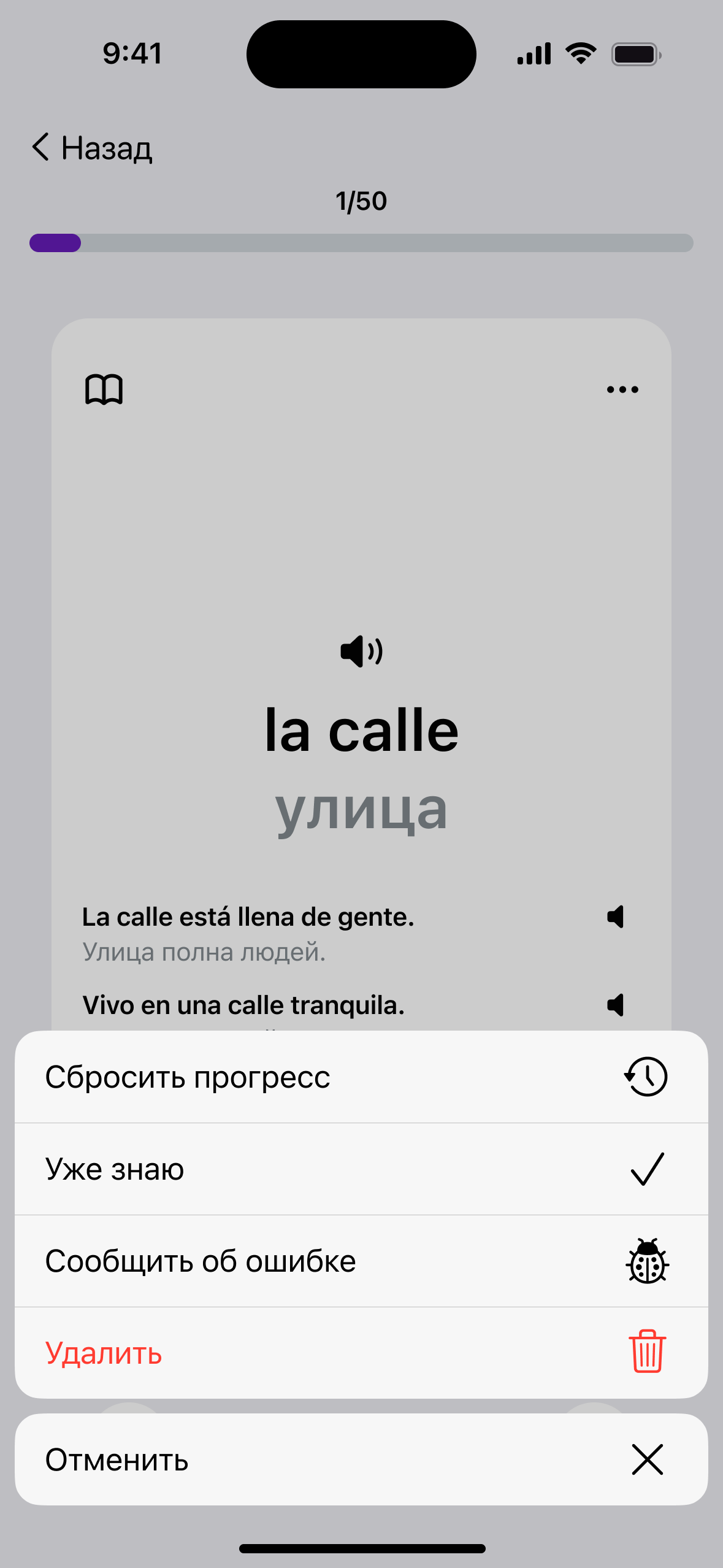
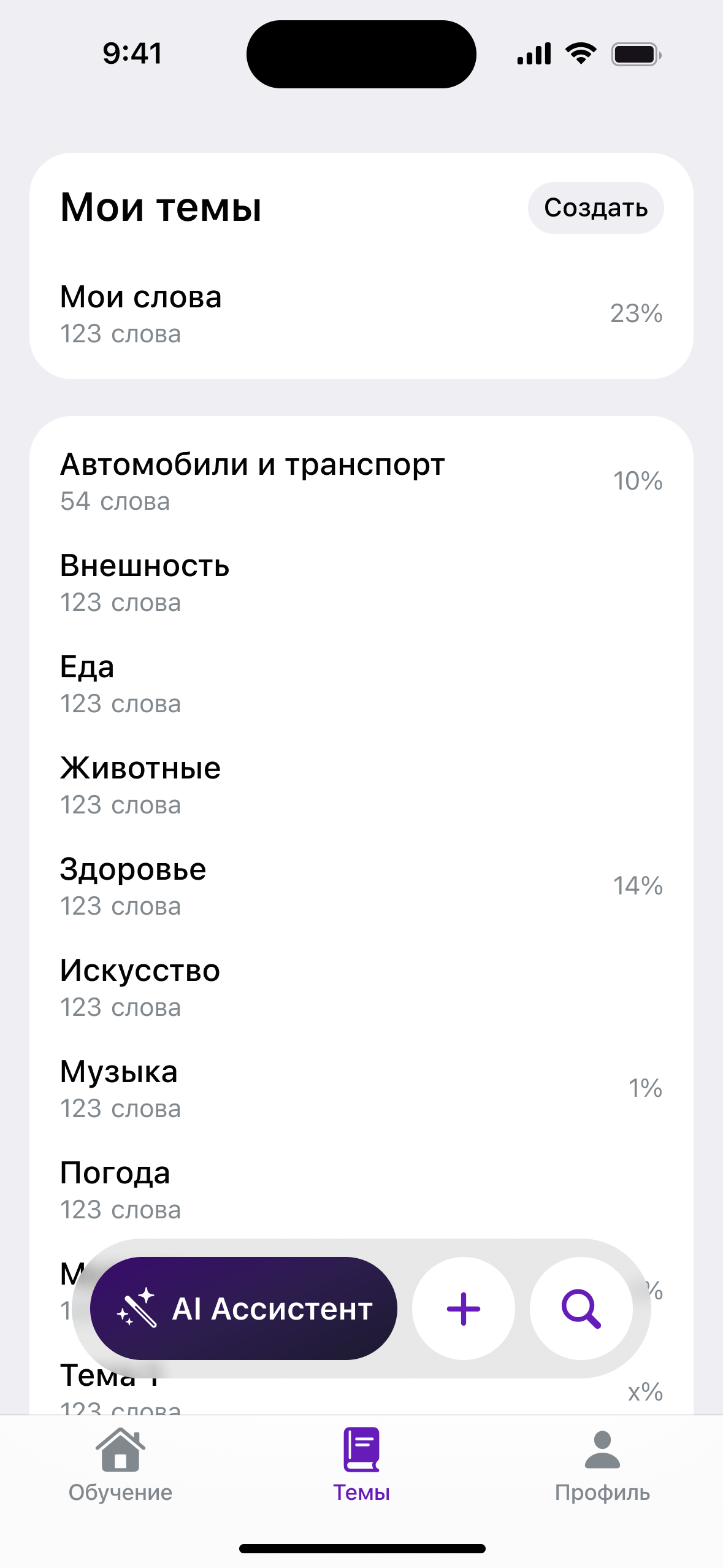
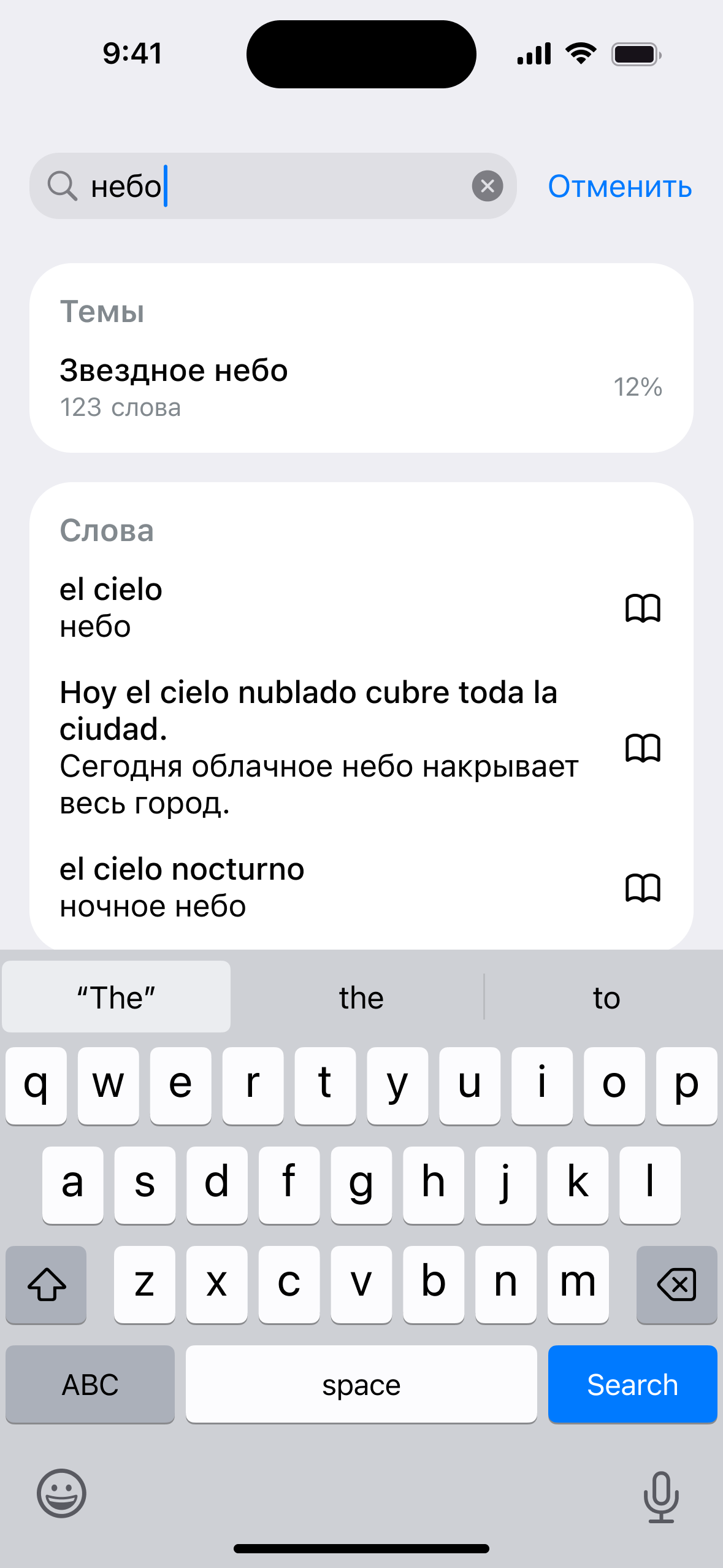
Onboarding, learning, AI assistant, profile and subscription flows designed end to end.